



Introduction
LabEx offers a diverse collection of online playgrounds, each providing a dedicated, hands-on environment for a specific technology. From operating systems like Linux to programming languages like Python and C++, and DevOps tools like Docker and Kubernetes, these playgrounds are designed to give you immediate access to a real-world environment directly in your browser. This document serves as a central guide to all the available online playgrounds and the underlying virtual machine technology that powers them.
What is an Online Playground?
An Online Playground from LabEx is a pre-configured, interactive environment that runs in the cloud and is accessible through your web browser. It's a sandbox where you can learn, experiment, and build projects without any local setup or configuration.
Key advantages of using an Online Playground:
- Zero Setup: Get instant access to a fully configured environment. No need to install software or manage dependencies on your own machine.
- Risk-Free Experimentation: Feel free to experiment with commands and code. If something breaks, you can simply restart the environment to get a clean slate.
- Consistency: The environments are standardized, ensuring that labs and tutorials work exactly as described, eliminating "it works on my machine" problems.
- Accessibility: Access your learning environment from any device with a web browser, anywhere in the world.
Available Playgrounds
LabEx provides a comprehensive suite of online playgrounds across various technology domains. Below is a list of the currently supported technologies. Each playground is a dedicated environment tailored for hands-on learning.
Operating Systems and Distros
- Online Linux Terminal: Launch Online Linux
- Online Ubuntu Playground: Launch Online Ubuntu
- Online Debian Playground: Launch Online Debian
- Online RHEL Playground: Launch Online RHEL
- Online CentOS Playground: Launch Online CentOS
- Online Fedora Playground: Launch Online Fedora
- Online Alpine Playground: Launch Online Alpine
- Online Arch Linux Playground: Launch Online Arch Linux
- Online openSUSE Playground: Launch Online openSUSE
- Online Kali Linux Playground: Launch Online Kali Linux
Programming Languages
- Online Python Compiler: Launch Online Python
- Online Java Compiler: Launch Online Java
- Online C++ Compiler: Launch Online C++
- Online C Compiler: Launch Online C
- Online Go Compiler: Launch Online Go
- Online Rust Compiler: Launch Online Rust
- Online Node.js Playground: Launch Online Node.js
- Online TypeScript Playground: Launch Online TypeScript
- Online PHP Playground: Launch Online PHP
- Online Ruby Playground: Launch Online Ruby
- Online Lua Playground: Launch Online Lua
- Online R Playground: Launch Online R
- Online Perl Playground: Launch Online Perl
- Online Bash Playground: Launch Online Bash
Web Development
- Online HTML Editor: Launch Online HTML
- Online CSS Editor: Launch Online CSS
- Online JavaScript Compiler: Launch Online JavaScript
- Online React Playground: Launch Online React
- Online Vue Playground: Launch Online Vue
- Online Svelte Playground: Launch Online Svelte
DevOps and Cloud
- Online Docker Playground: Launch Online Docker
- Online Kubernetes Cluster: Launch Online Kubernetes
- Online Ansible Playground: Launch Online Ansible
- Online Jenkins Playground: Launch Online Jenkins
- Online Git Playground: Launch Online Git
- Online Shell Terminal: Launch Online Shell
Databases
- Online MySQL Database: Launch Online MySQL
- Online PostgreSQL Database: Launch Online PostgreSQL
- Online SQLite Database: Launch Online SQLite
- Online MongoDB Database: Launch Online MongoDB
- Online Redis Database: Launch Online Redis
Data Science and ML
- Online Pandas Playground: Launch Online Pandas
- Online NumPy Playground: Launch Online NumPy
- Online scikit-learn Playground: Launch Online scikit-learn
- Online Matplotlib Playground: Launch Online Matplotlib
Cybersecurity
- Online Nmap Playground: Launch Online Nmap
- Online Wireshark Playground: Launch Online Wireshark
- Online Hydra Playground: Launch Online Hydra
The Power Behind the Playgrounds: The LabEx VM
All online playgrounds are powered by the LabEx Virtual Machine (VM), which is the core infrastructure providing you with a seamless hands-on programming experience.
What is the LabEx VM?
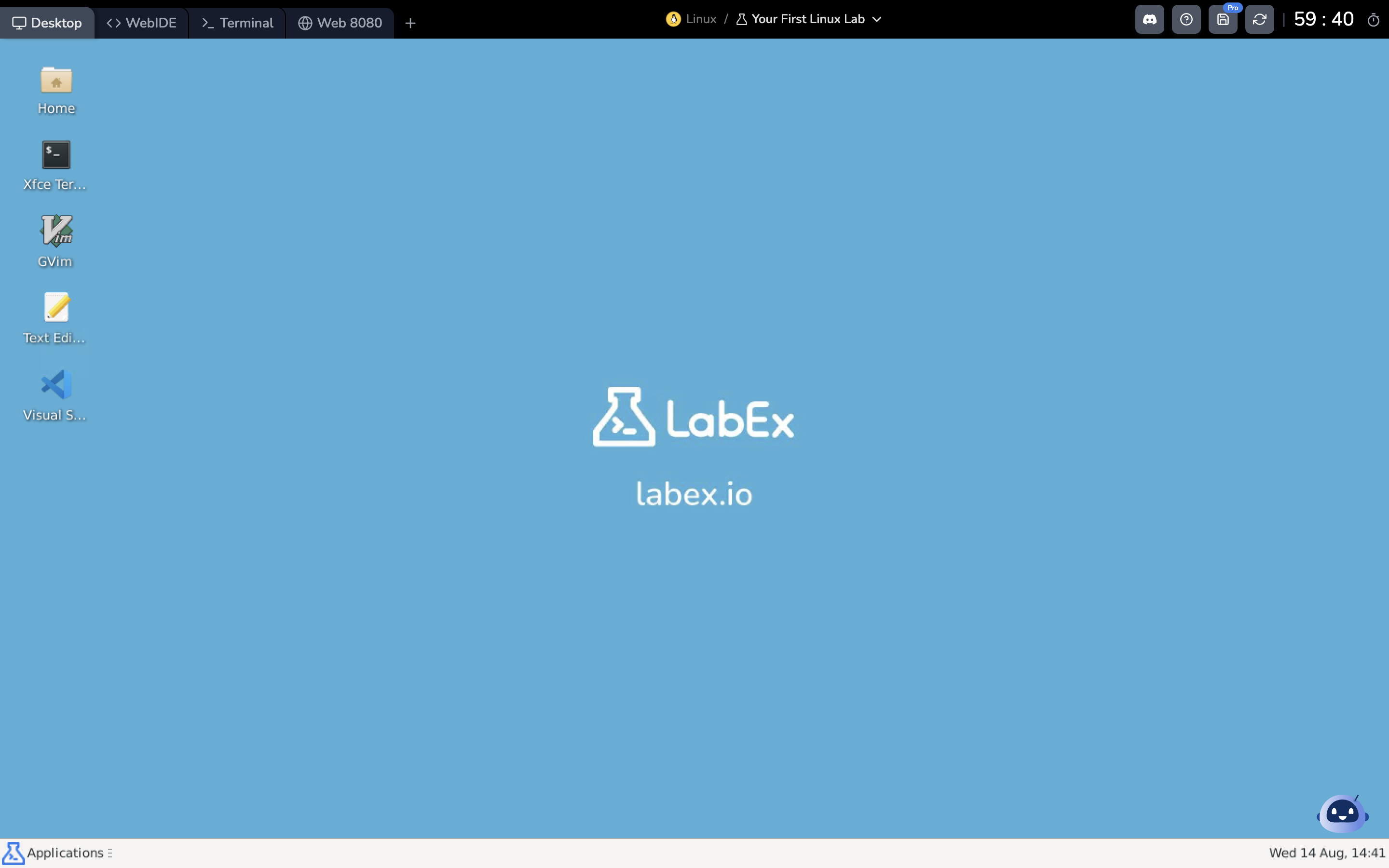
The VM is a Linux Virtual Machine that allows you to experience hands-on operations, get creative, and try out code. When you start any lab or playground, a VM is automatically created for you.
LabEx's VM provides different interfaces for you to complete your tasks:
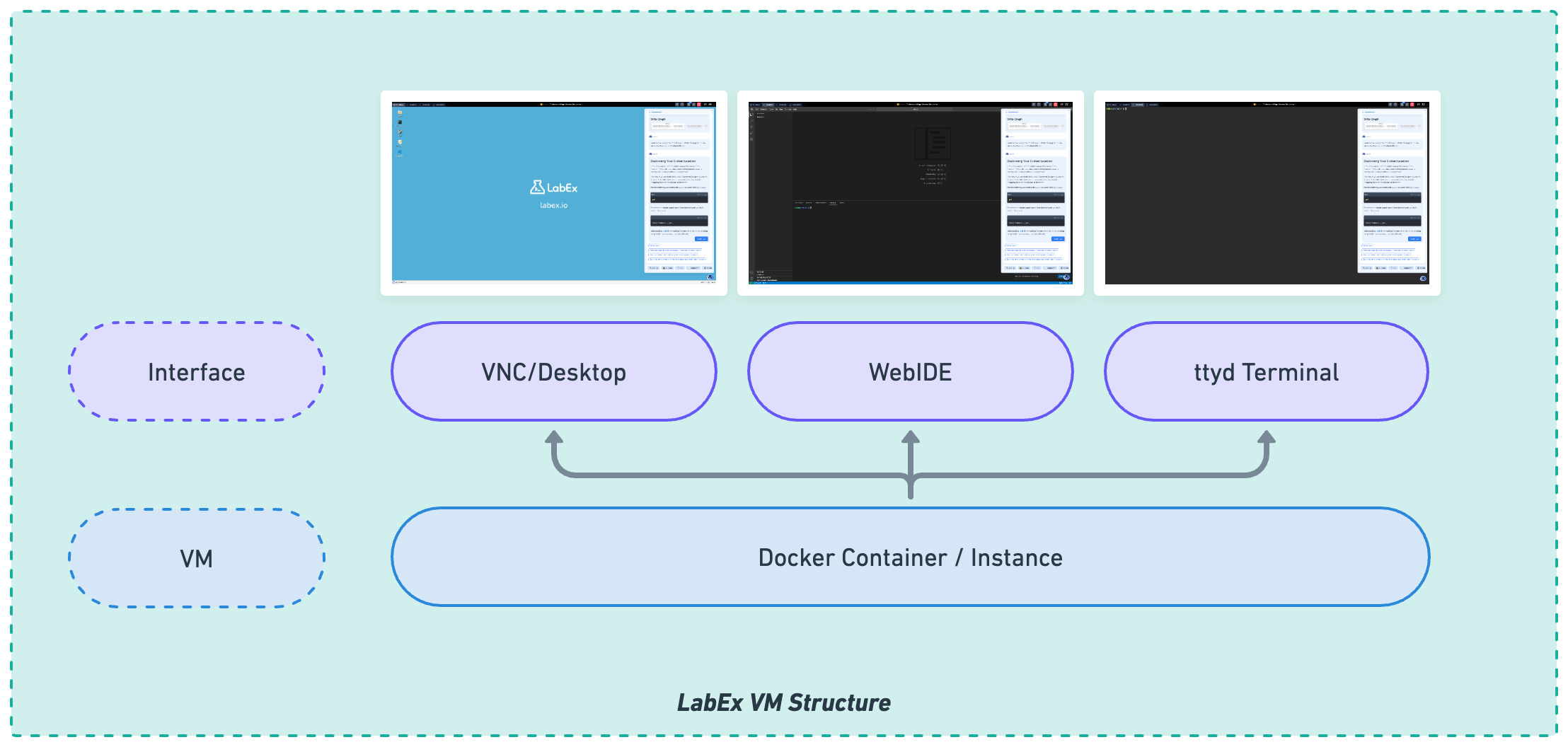
- Desktop: A Linux GUI Desktop. You can use it to run GUI applications.
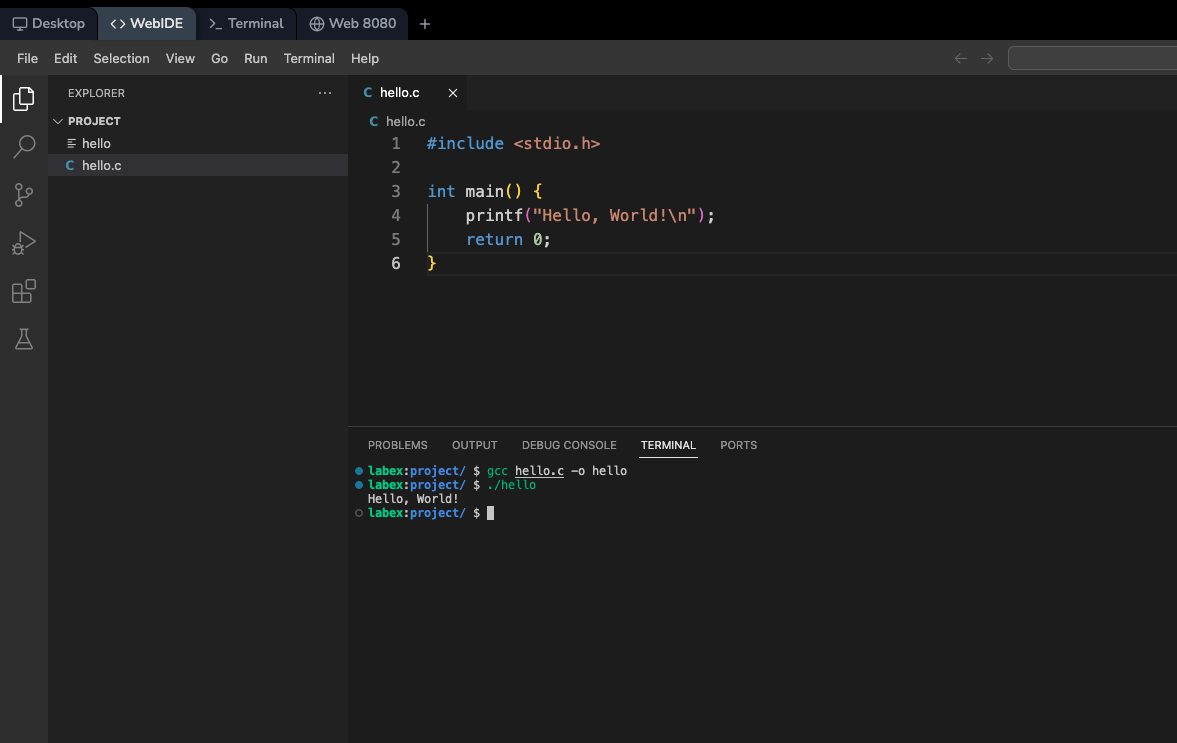
- WebIDE: A VSCode-like web-based IDE. You can use it to write code.
- Terminal: A command-line interface. You can use it to run commands.
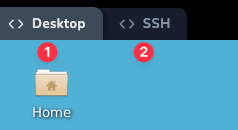
You can switch between these interfaces by clicking the tabs on the top left corner. Most of the time, LabEx considers the first interface as the most suitable for the current lab, but you are free to switch to other interfaces.
Restarting the VM
You can restart the VM by clicking the Restart button on the top right corner. This will restart the VM and reset the environment to its initial state. This is useful when:
- The VM is not responding.
- You want to start over with a clean environment.
VM Specifications
- Operating System: Ubuntu 22.04
- Default User:
labex - Privileges: The
labexuser hassudoprivileges. - Password: No password is set for the
rootandlabexusers. You can usesudoto execute commands with root privileges.
Summary
LabEx's online playgrounds provide a powerful and versatile platform for hands-on learning across a wide spectrum of technologies. Powered by a consistent and robust Linux VM, these playgrounds eliminate setup hurdles and allow you to focus entirely on learning and experimentation.
Key takeaways:
- Provides instant, browser-based access to pre-configured environments for dozens of technologies.
- The underlying VM offers multiple interfaces (Desktop, WebIDE, Terminal) to suit different needs.
- A risk-free sandbox to practice skills, test code, and build projects.
- All environments are based on Ubuntu 22.04 with sudo access, providing a real-world Linux experience.


