



Introduction
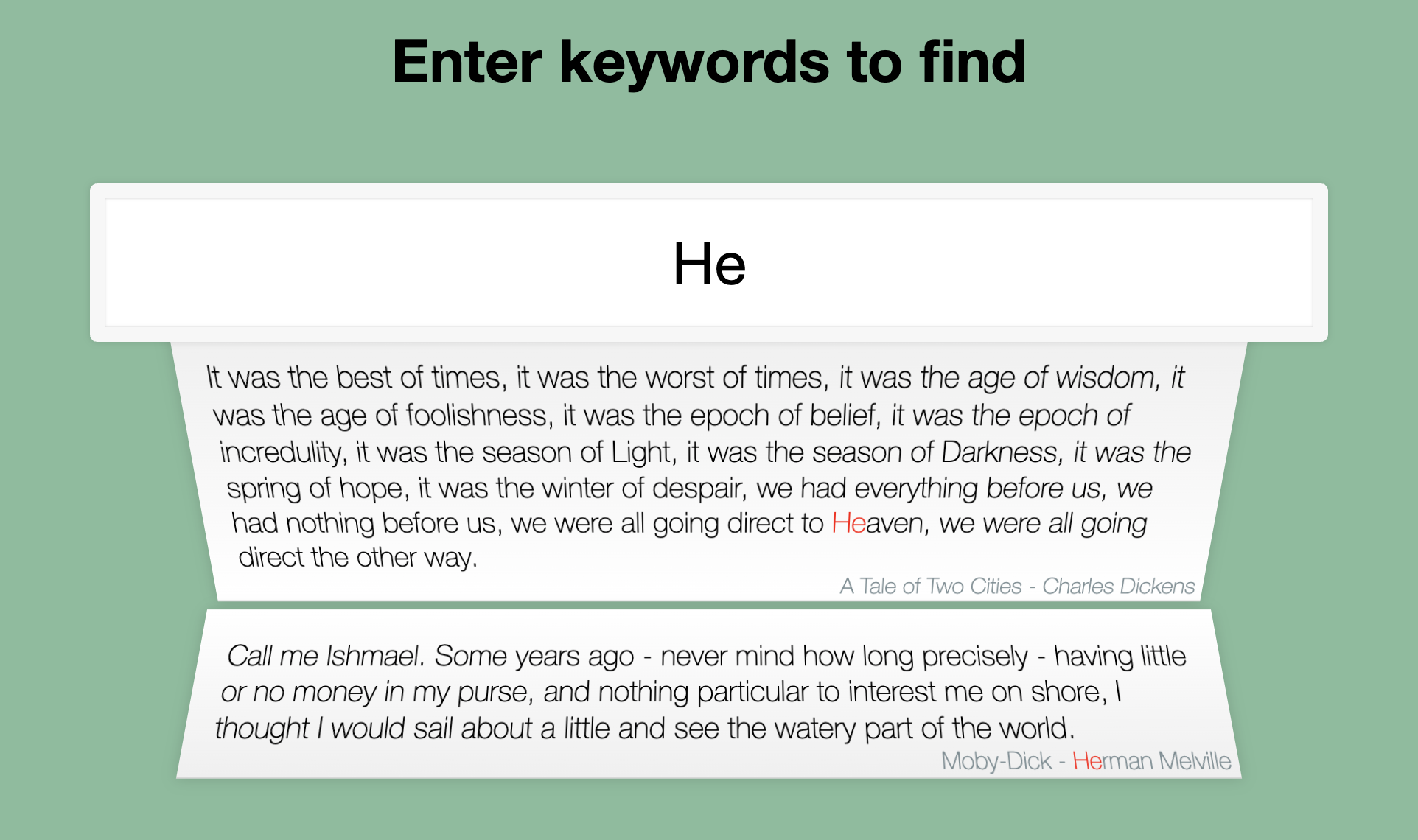
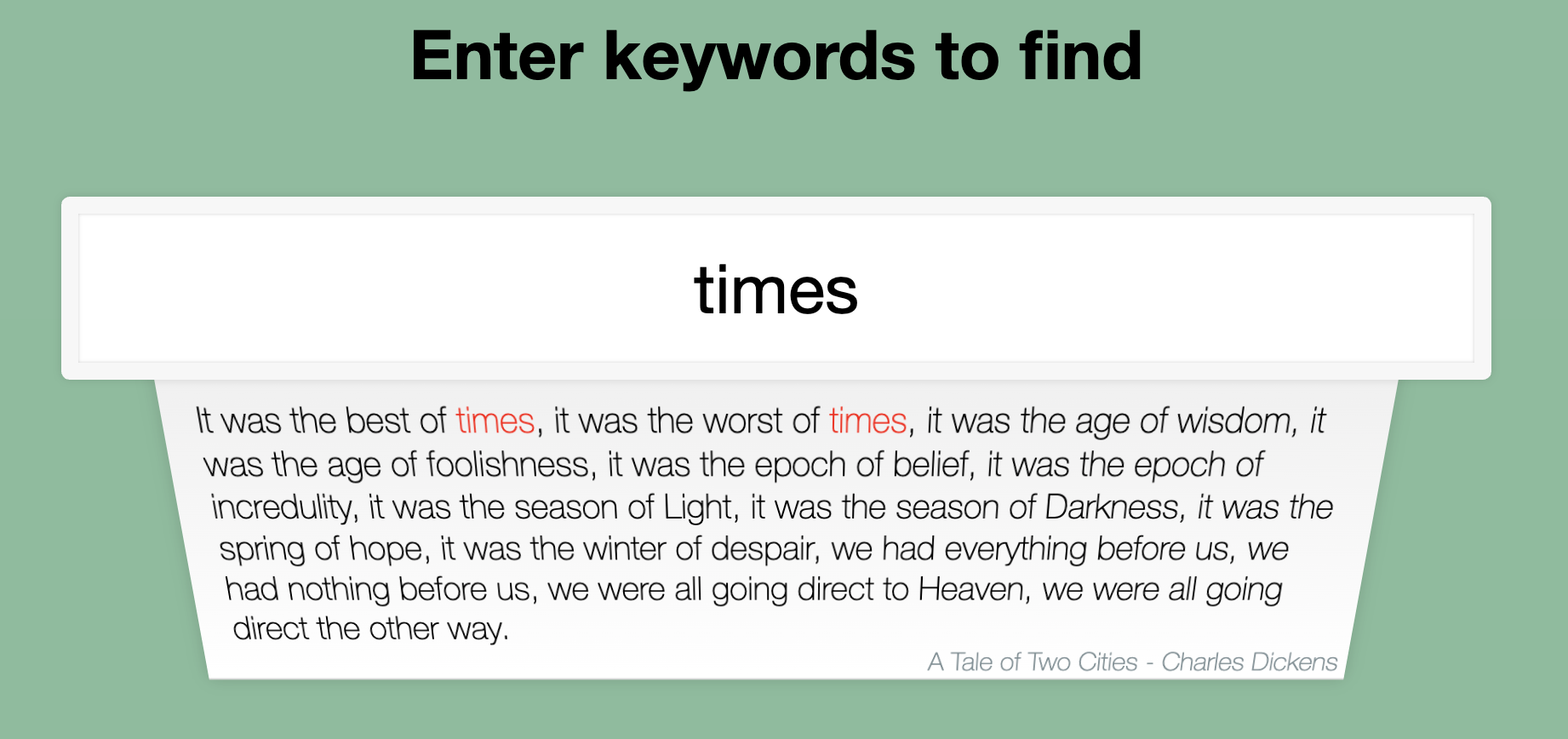
In this project, you will learn how to build a web application that allows users to search for and display beautiful sentences from literature in real-time. The application will fetch the data from a JSON file, and use Vue.js to implement the search functionality and display the results.
👀 Preview
🎯 Tasks
In this project, you will learn:
- How to set up the project and understand the provided files and directories
- How to implement the data request to fetch the data from the
data.jsonfile - How to implement the real-time search functionality to display the matching sentences
- How to add some finishing touches to the project by styling the web page
🏆 Achievements
After completing this project, you will be able to:
- Set up a web development project with HTML, CSS, and JavaScript
- Use Vue.js to build a responsive and interactive web application
- Fetch data from a JSON file and display it on the web page
- Implement real-time search functionality and highlight the matching keywords
- Style a web page using CSS to improve the overall appearance and user experience
Set Up the Project Structure
In this step, you will set up the project files and structure. Follow the steps below to complete this step:
Open the project folder. The directory structure is as follows:
├── css
│   └── style.css
├── data.json
├── index.html
└── js
    ├── axios.min.js
    └── vue.min.js
Among them:
css/style.cssis the style file.index.htmlis the main page.data.jsonis the data that will be used in the project.js/vue.min.jsis the vue2.x version file used in the project.js/axios.min.jsis the axios file.
Click on Go Live button in the bottom right corner of WebIDE, to run the project.
Next, open "Web 8080" on the top of the VM and manually refresh it to see the page.
Implement the Data Request
In this step, you will complete the data request to fetch the data from the data.json file.
- In the
index.htmlfile, locate theTODOcomment in the<script>section. - Inside the
data()function, add the following code to fetch the data from thedata.jsonfile:
data() {
  return {
    list: [],
    search: ""
  };
},
mounted() {
  this.getData();
},
methods: {
  async getData() {
    const res = await axios({ url: "./data.json" });
    this.list = res.data;
  }
}
This code sets up the initial data properties, list and search, and then calls the getData() method in the mounted() hook to fetch the data from the data.json file.
- Save the
index.htmlfile and refresh the web page. You should now see the initial data loaded from thedata.jsonfile.
Implement the Real-Time Search Functionality
In this step, you will implement the real-time search functionality to display the matching sentences based on the user's input.
- In the
index.htmlfile, locate theTODOcomment in the<div class="search-form">section. - Replace the content inside the
<div class="search-form">element with the following code:
<input
  type="text"
  id="search"
  class="search"
  v-model="search"
  placeholder="Title Sentence Author"
/>
<ul class="suggestions">
  <li v-for="item in filterList">
    <span v-html="hightLight(item.poetry_content)" class="poet"></span>
    <span class="title">
      <span v-html="hightLight(item.title)"></span>
      -
      <span v-html="hightLight(item.author)"></span>
    </span>
  </li>
</ul>
This code uses Vue.js directives to dynamically render the list of matching sentences based on the user's input.
- Next, add the following code to the
mounted()sibling:
mounted() {
  this.getData();
},
computed: {
  hightLight() {
    return (text) => {
      if (this.search) {
        const reg = new RegExp(this.search, "g");
        return text.replace(
          reg,
          `<span class='highlight'>${this.search}</span>`
        );
      }
      return text;
    };
  },
  filterList() {
    let { search, list } = this;
    let str = search.trim();
    if (str.length == 0) {
      return [];
    } else {
      return search
        ? list.filter(
            (item) =>
              item.title.includes(search) ||
              item.author.includes(search) ||
              item.poetry_content.includes(search)
          )
        : [];
    }
  }
},
The hightLight computed property is a function that wraps the matching keywords in the <span class='highlight'> tag. The filterList computed property filters the list of sentences based on the user's input in the search box.
- Save the
index.htmlfile and refresh the web page. You should now see the real-time search functionality working, with the matching sentences displayed and the keywords highlighted.
After completing it, the final page effect is as follows:
Summary
Congratulations! You have completed this project. You can practice more labs in LabEx to improve your skills.


