



Introduction
In this project, you will learn how to set up a Vue.js environment and implement the functionality of buttons to update a value displayed on a webpage.
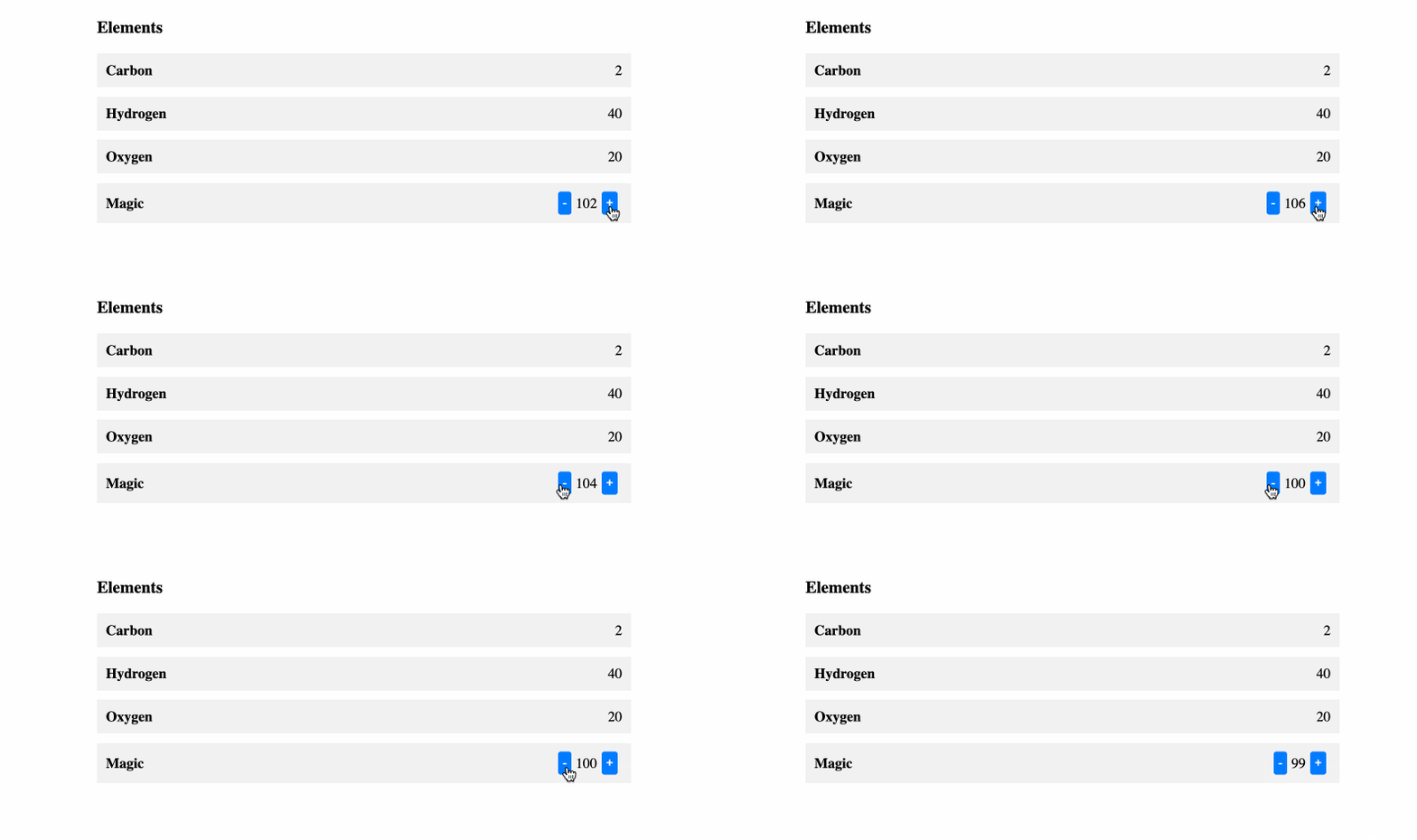
👀 Preview
🎯 Tasks
In this project, you will learn:
- How to set up a Vue.js environment
- How to implement the functionality of the
-and+buttons to update the value - How to test the functionality of the buttons
🏆 Achievements
After completing this project, you will be able to:
- Set up a basic Vue.js application
- Create a reactive data object and update its values
- Use event handlers to call functions and update the UI
Set Up the Project Structure
In this step, you will set up the project files and structure. Follow the steps below to complete this step:
Open the project folder. The directory structure is as follows:
├── css
│   └── style.css
├── index.html
└── js
Among them:
index.htmlis the main page to be repaired.cssis the folder that stores the project's styles.jsis the Vue file that the project depends on.
Click on Go Live button in the bottom right corner of WebIDE, to run the project.
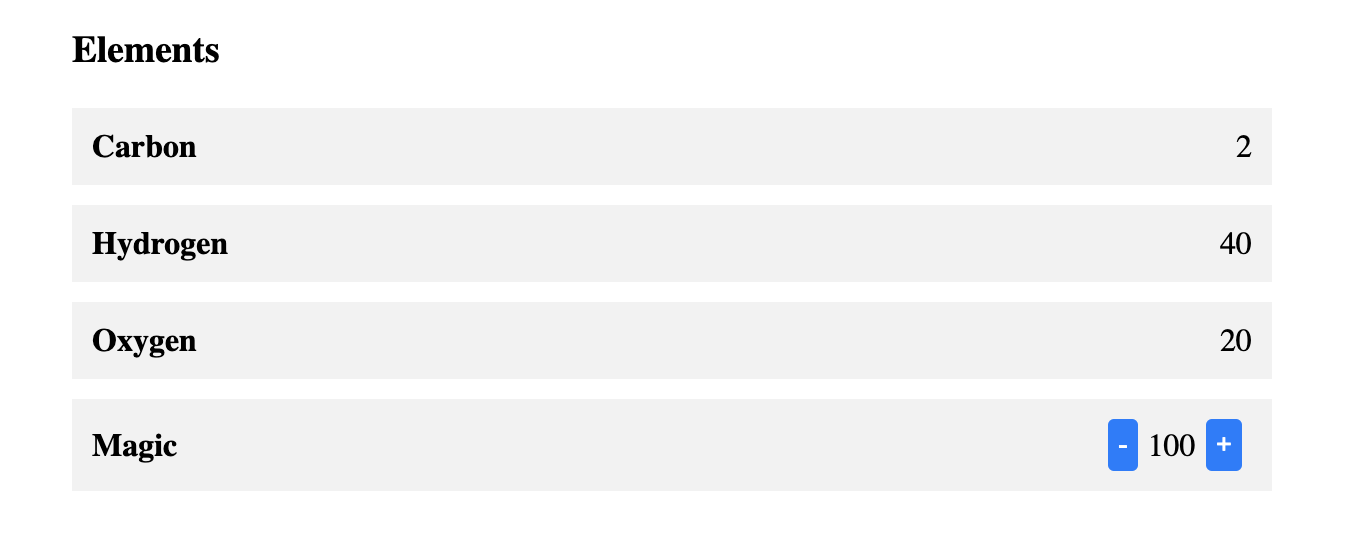
Next, open "Web 8080" on the top of the VM and refresh it manually and you will see the page. Click the - and + buttons on the page, and you will find that the value in the middle cannot be changed. The page effect is as follows:
Repair Function
In this step, you need to fix the bug so that by clicking the "-" and "+" buttons on the page, the values in the center change accordingly.
- In the
index.htmlfile, locate the// TODOsection: - Modify it to the following code:
// TODO
let { value } = toRefs(data);
- In the
@clickevent handlers for the-and+buttons, call theupdatefunction and pass the updated value as an argument. - In the
updatefunction, update thevalueproperty with the new value passed as an argument.
After completing these steps, click on the "-" and "+" buttons on the page and the values in the center change accordingly.
The effect after completion is as follows:
Summary
Congratulations! You have completed this project. You can practice more labs in LabEx to improve your skills.


