Introduction
Your team needs to label an existing report store as release 2 without recreating storage or changing its report. You will review a saved plan, apply it, then detect and repair a deliberate tag drift.
This independent environment prepares the small starting store and local state. Use your plan/apply, variable-file and S3 query knowledge; remote state and automated approvals are not required.
Certification Relevance
| Certification | Exam task | Practice |
|---|---|---|
| Cloud Practitioner (CLF-C02) | Task 3.1 | Use repeatable infrastructure definitions and operational resource queries. |
| Developer – Associate (DVA-C02) | Task 3.3, Skill 3.3.4 | Foundational practice deploying an infrastructure definition. |
| DevOps Engineer – Professional (DOP-C02) | Task 2.1 | Foundational practice managing resources through an IaC definition. |
Review and Apply a Saved Plan
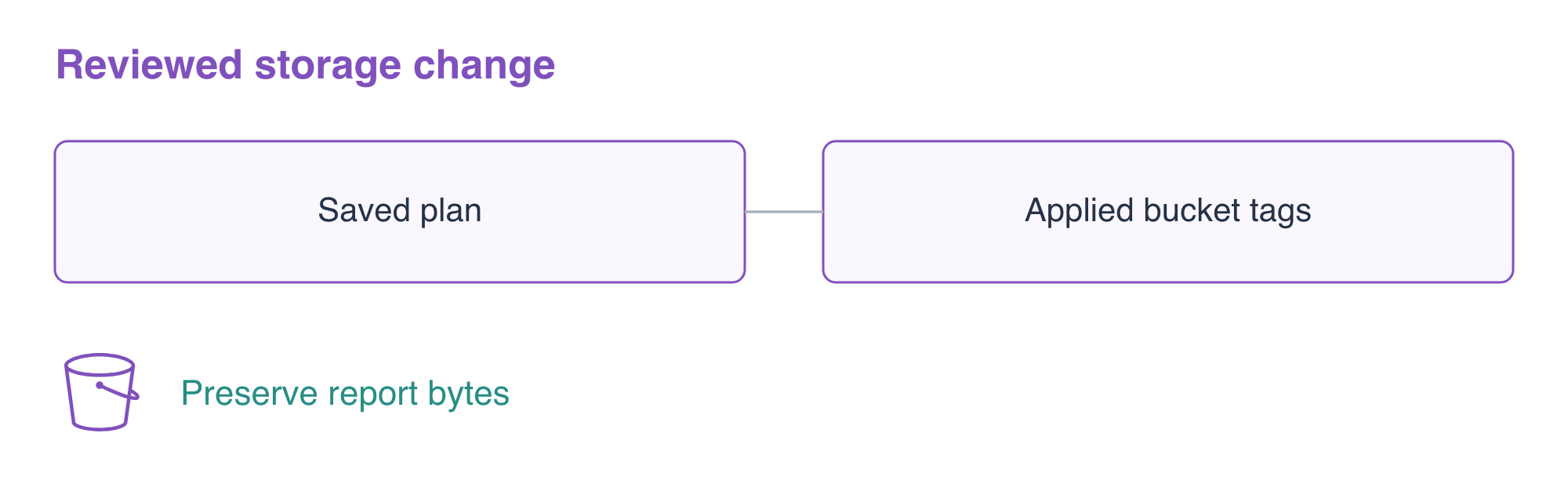
In this step, you will update a prepared report store's release tag using a saved plan, while retaining its existing bucket and report.
This fresh root already manages the small store that earlier labs taught you to create. Setup supplies that starting scene so you can focus on change review. The desired new release is 2; the existing report must remain orders,12. Start by reading the configuration, values and live tag:
cd /home/labex/project/storage-change
cat main.tf
cat release.tfvars
terraform state list
aws s3api \
  get-bucket-tagging \
  --bucket terraform-change-reports
The input file currently selects release 1. A resource name change could replace storage, but a tag change can update the existing bucket. Change only the release input:
cat > release.tfvars <<'EOF'
release = "2"
EOF
terraform plan -var-file=release.tfvars -out=change.tfplan
Expect an in-place bucket update: 0 to add, 1 to change, 0 to destroy. -out writes a native plan artifact that contains this configuration and these input values. Unlike an unsaved preview, applying this file uses that reviewed plan rather than generating a new one from later edits. Plans may contain sensitive values in real projects, so handle them as project artifacts.
Read the saved plan before applying:
terraform show change.tfplan
Confirm Release changes from 1 to 2 and no object or bucket is replaced. Then apply the artifact. No additional yes prompt appears for a saved plan:
terraform apply change.tfplan
Query the live tag and read the report:
aws s3api \
  get-bucket-tagging \
  --bucket terraform-change-reports
aws s3api \
  get-object \
  --bucket terraform-change-reports \
  --key reports/current.csv \
  retained.csv
cat retained.csv
Expect release 2 and orders,12. A saved plan is useful only when the applied resource and preserved data match the reviewed change.
Detect and Repair a Tag Drift
In this step, you will observe a real out-of-band tag change and restore the declared configuration without changing the report.
Drift is a difference between the deployed resource and its desired configuration. Use the AWS CLI to change the tag outside Terraform. This deliberate exercise changes a real resource attribute that the provider can read; it does not edit a local success marker.
aws s3api \
  put-bucket-tagging \
  --bucket terraform-change-reports \
  --tagging '{"TagSet":[{"Key":"Project","Value":"TerraformReports"},{"Key":"Release","Value":"unexpected"}]}'
Ask Terraform to compare the current resource with the desired release. -detailed-exitcode distinguishes 0 (no change), 2 (a proposed change), and 1 (an error). The following plan intentionally returns 2; that means it found the tag difference, not that the deployment failed.
terraform plan -var-file=release.tfvars -detailed-exitcode
The plan proposes changing unexpected back to 2. Review and save the repair, then apply that artifact:
terraform plan -var-file=release.tfvars -out=repair.tfplan
terraform show repair.tfplan
terraform apply repair.tfplan
Confirm the live tag and a converged plan:
aws s3api \
  get-bucket-tagging \
  --bucket terraform-change-reports
terraform plan -var-file=release.tfvars -detailed-exitcode
The tag is 2; the final plan says No changes and exits 0. The report remains unchanged. This demonstrates readable tag drift, not detection of every possible out-of-band data modification. See Terraform plan for saved plans and detailed exit codes.
Clean Up the Changed Store
In this step, you will remove only the store managed by this root after the change and drift checks pass.
Review and execute deletion, entering yes for destroy:
terraform plan -destroy -var-file=release.tfvars
terraform destroy -var-file=release.tfvars
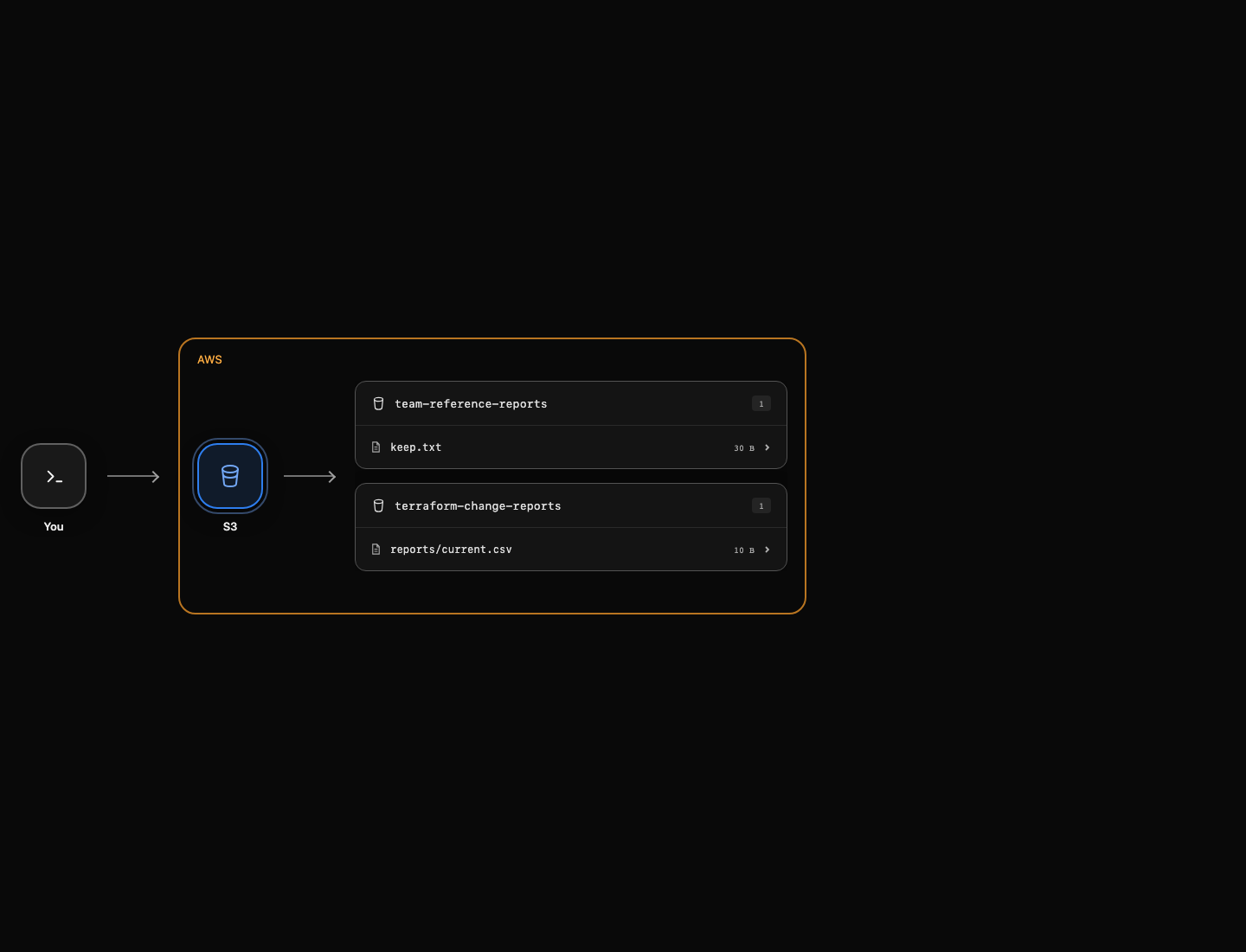
The report object is removed before its bucket. Query the remaining resources and empty mapping:
terraform state list
aws s3api \
  list-buckets \
  --query 'Buckets[].Name'
aws s3api \
  head-object \
  --bucket team-reference-reports \
  --key keep.txt \
  --query ContentLength
The team reference report remains. Saved local plans are review artifacts; their presence does not mean that deleted AWS resources still exist.
Summary
You applied a reviewed native plan artifact, distinguished in-place updates from replacement, observed a real tag drift through provider reads, restored the desired configuration, and retained report data until cleanup.