Introduction
A newer report must not erase the team's ability to read its earlier data. You will configure versioning, publish two reports, and separate historical reads from current reads before deliberately cleaning this disposable store.
Use the variable, object-reference and independent-root knowledge from the preceding lab. This fresh environment supplies only tools, provider access and an unrelated reference report.
Certification Relevance
| Certification | Exam task | Practice |
|---|---|---|
| Cloud Practitioner (CLF-C02) | Task 3.1 | Use repeatable infrastructure definitions and operational resource queries. |
| Developer – Associate (DVA-C02) | Task 3.3, Skill 3.3.4 | Foundational practice deploying an infrastructure definition. |
| DevOps Engineer – Professional (DOP-C02) | Task 2.1 | Foundational practice managing resources through an IaC definition. |
| Solutions Architect – Associate (SAA-C03) | Task 1.3 | Foundational practice retaining and reading historical S3 data before deliberate cleanup. |
Publish the First Version
In this step, you will manage the bucket's versioning configuration with Terraform before publishing its first report.
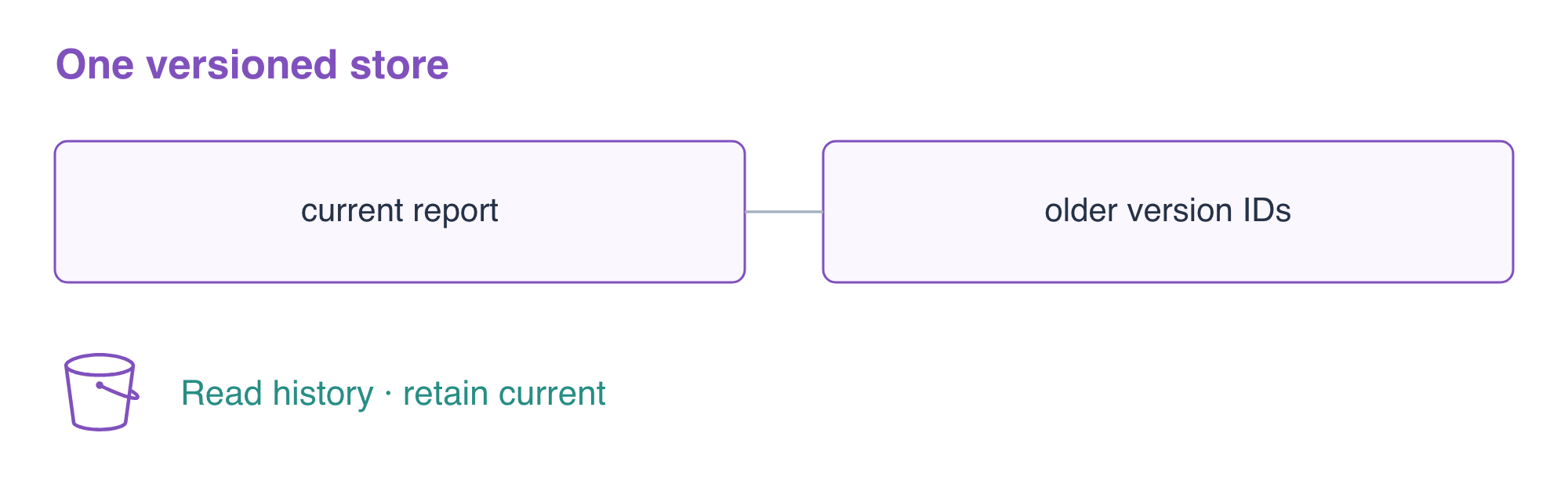
S3 object versions are retained copies of data, each with a version ID. They are different from Git revisions of HCL and from Terraform's provider lock file. Terraform can configure versioning; S3 then retains object versions when data is updated. A no-change plan alone does not prove that historical data is readable.
Enter the prepared root and write the storage definition:
cd /home/labex/project/report-history
cat > main.tf <<'EOF'
variable "report" { type = string }

resource "aws_s3_bucket" "reports" {
  bucket = "terraform-history-reports"
}

resource "aws_s3_bucket_versioning" "reports" {
  bucket = aws_s3_bucket.reports.id
  versioning_configuration {
    status = "Enabled"
  }
}

resource "aws_s3_object" "report" {
  bucket       = aws_s3_bucket.reports.id
  key          = "reports/current.csv"
  content      = var.report
  content_type = "text/csv"
  depends_on   = [aws_s3_bucket_versioning.reports]
}
EOF
There are now three resources: a bucket, its versioning settings, and an object. The object already depends on the bucket through its ID reference. The explicit depends_on adds the ordering that cannot be inferred from that reference: versioning must be enabled before the first upload.
Write the first report input and initialize:
cat > release1.tfvars <<'EOF'
report = "orders,12\n"
EOF
terraform init
terraform validate
terraform plan -var-file=release1.tfvars
Expect three additions. Apply and enter yes:
terraform apply -var-file=release1.tfvars
Query the actual setting and first version:
aws s3api \
  get-bucket-versioning \
  --bucket terraform-history-reports
aws s3api \
  list-object-versions \
  --bucket terraform-history-reports \
  --query 'Versions[].{Key:Key,VersionId:VersionId,Current:IsLatest}'
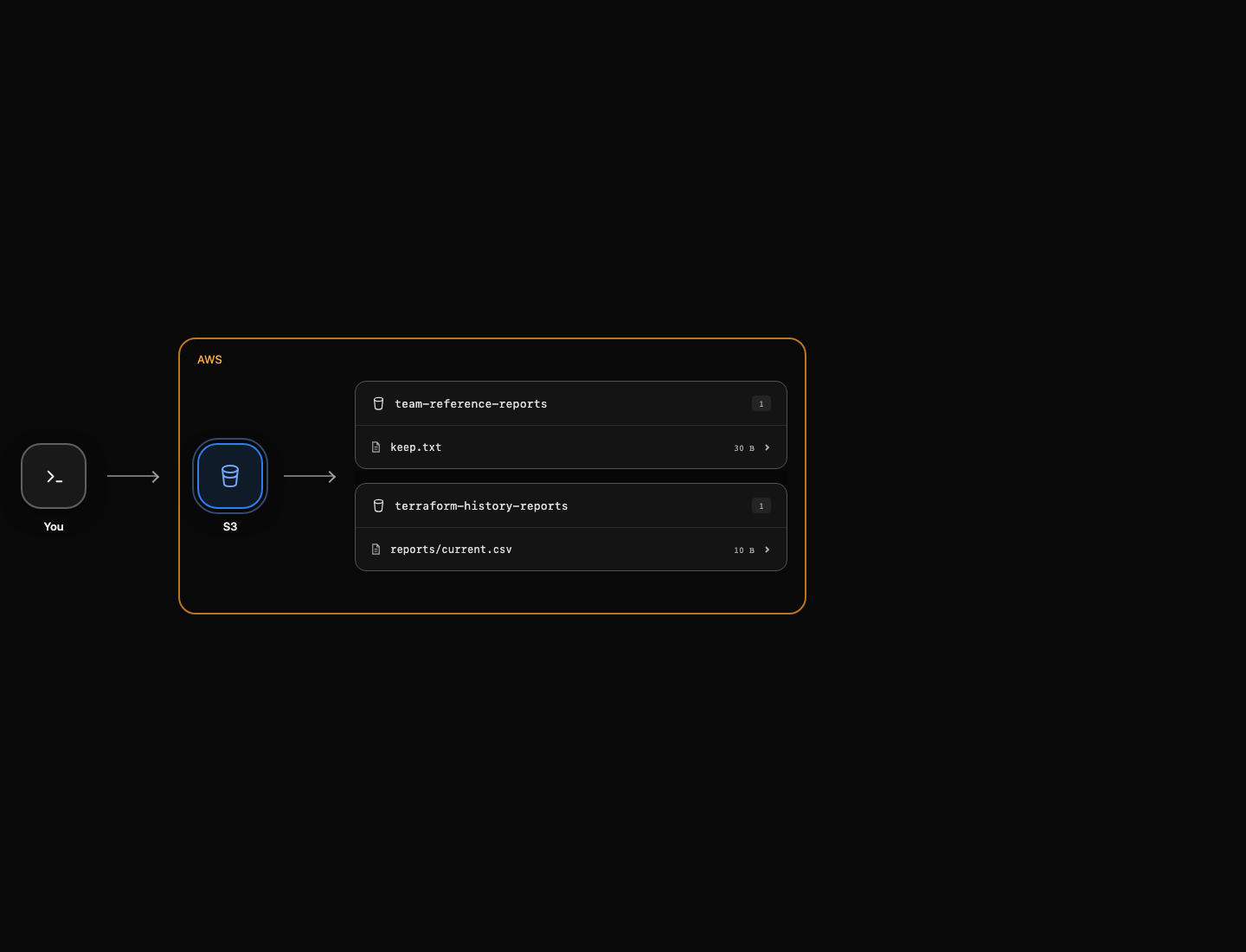
The status is Enabled. The report has a non-null version ID and Current: true. AWS View shows the currently readable object; use the version query to inspect history.
Update the Report and Read Its History
In this step, you will publish different bytes, read the old version explicitly, and prove that reading history leaves the current report unchanged.
Create a second input file. Keeping both files makes the intended data versions easy to compare; the files themselves are not the stored history.
cat > release2.tfvars <<'EOF'
report = "orders,25\n"
EOF
terraform plan -var-file=release2.tfvars -out=update.tfplan
terraform show update.tfplan
Expect one object update without bucket replacement. -out saves a plan artifact that includes the selected input values. Apply that reviewed artifact; this command does not ask for confirmation because you already selected the saved plan:
terraform apply update.tfplan
List the actual versions again:
aws s3api \
  list-object-versions \
  --bucket terraform-history-reports \
  --query 'Versions[].{Key:Key,VersionId:VersionId,Current:IsLatest}'
The old and current entries have different version IDs. Select the older report's ID and display it. The query filters the report key and IsLatest == false; [0] chooses the first matching old entry in this lab's two-version history.
OLD_VERSION=$(aws s3api \
  list-object-versions \
  --bucket terraform-history-reports \
  --query 'Versions[?Key==`reports/current.csv` && IsLatest==`false`].VersionId | [0]' \
  --output text)
echo "$OLD_VERSION"
CURRENT_VERSION=$(aws s3api \
  head-object \
  --bucket terraform-history-reports \
  --key reports/current.csv \
  --query VersionId \
  --output text)
echo "$CURRENT_VERSION"
Download the old version by ID, then download the current version without a version ID:
aws s3api \
  get-object \
  --bucket terraform-history-reports \
  --key reports/current.csv \
  --version-id "$OLD_VERSION" \
  old-report.csv
cat old-report.csv
aws s3api \
  get-object \
  --bucket terraform-history-reports \
  --key reports/current.csv \
  current-report.csv
cat current-report.csv
Expect orders,12 in the old file and orders,25 in the current file. A version-specific GET reads an existing version; it does not copy it over the current object. Query the current ID once more and compare it with the displayed CURRENT_VERSION:
aws s3api \
  head-object \
  --bucket terraform-history-reports \
  --key reports/current.csv \
  --query VersionId \
  --output text
The ID is unchanged. Complete this step's check before deleting any versions. The check reads actual old and current bytes and preserves both. See S3 versioning for the distinction between an object key, its versions, and delete markers.
Deliberately Remove the Owned History
In this step, you will inventory and delete all versions in your disposable report bucket before removing its Terraform configuration resources.
Destroying infrastructure and deciding to discard report history are different actions. A nonempty versioned bucket cannot normally be deleted. Removing a current object without a version ID can create a delete marker, which hides the current object while older versions remain. Here you will explicitly delete the inventoried versions by ID, after proving retention in the previous step.
Create a deletion request from the native version listing. This lab has only a small set of report versions and no existing delete markers; every listed version belongs to your bucket. --query reshapes each entry into the Key/VersionId fields accepted by delete-objects.
aws s3api \
  list-object-versions \
  --bucket terraform-history-reports \
  --query '{Objects: Versions[].{Key:Key,VersionId:VersionId}}' \
  > owned-versions.json
cat owned-versions.json
Review that the file contains only versions from terraform-history-reports. Then delete those exact versions. file:// asks the AWS CLI to read a JSON request from the local file.
aws s3api \
  delete-objects \
  --bucket terraform-history-reports \
  --delete file://owned-versions.json
aws s3api \
  list-object-versions \
  --bucket terraform-history-reports
The successful listing has no Versions or DeleteMarkers entries. Now destroy this root and enter yes:
terraform destroy -var-file=release2.tfvars
Terraform refreshes the state first and can notice that the object was already removed. It then removes the remaining versioning configuration and empty bucket. Finally inspect the mapping and retained reference:
terraform state list
aws s3api \
  list-buckets \
  --query 'Buckets[].Name'
aws s3api \
  head-object \
  --bucket team-reference-reports \
  --key keep.txt \
  --query ContentLength
The state list is empty and only the team reference bucket remains. Do not use this data-discard procedure on a store whose history must be retained.
Summary
You distinguished configuration changes from data versions, enabled versioning before upload, read distinct old/current report bytes without overwriting the current version, and explicitly inventoried and discarded only owned versions.