Introduction
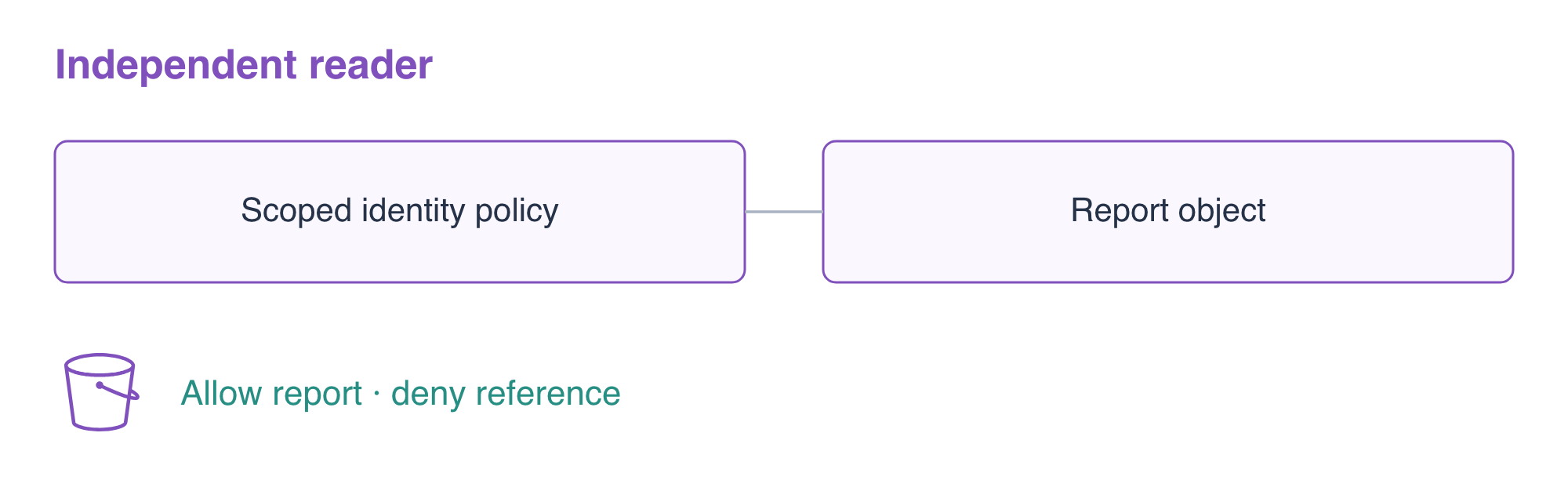
A report consumer needs one private report, not the operator's entire storage access. You will grant its independent IAM identity scoped access, test actual requests, then revoke the grant while preserving report data.
Build on resource references and S3 object reads. You should understand IAM Action and Resource; role trust, instance profiles and personal access keys are not needed. Both CLI identities are prepared in this fresh environment.
Certification Relevance
| Certification | Exam task | Practice |
|---|---|---|
| Cloud Practitioner (CLF-C02) | Task 2.3 and 3.1 | Manage a least-privilege identity policy through repeatable infrastructure configuration. |
| Developer – Associate (DVA-C02) | Task 3.3, Skill 3.3.4 | Foundational practice deploying an infrastructure definition. |
| DevOps Engineer – Professional (DOP-C02) | Task 2.1 | Foundational practice managing resources through an IaC definition. |
| Solutions Architect – Associate (SAA-C03) | Task 1.1 | Foundational practice scoping an IAM reader policy and evaluating allowed and denied access. |
Prepare the Report and Observe the Reader
In this step, you will create the report store and observe a valid independent reader's initial lack of access.
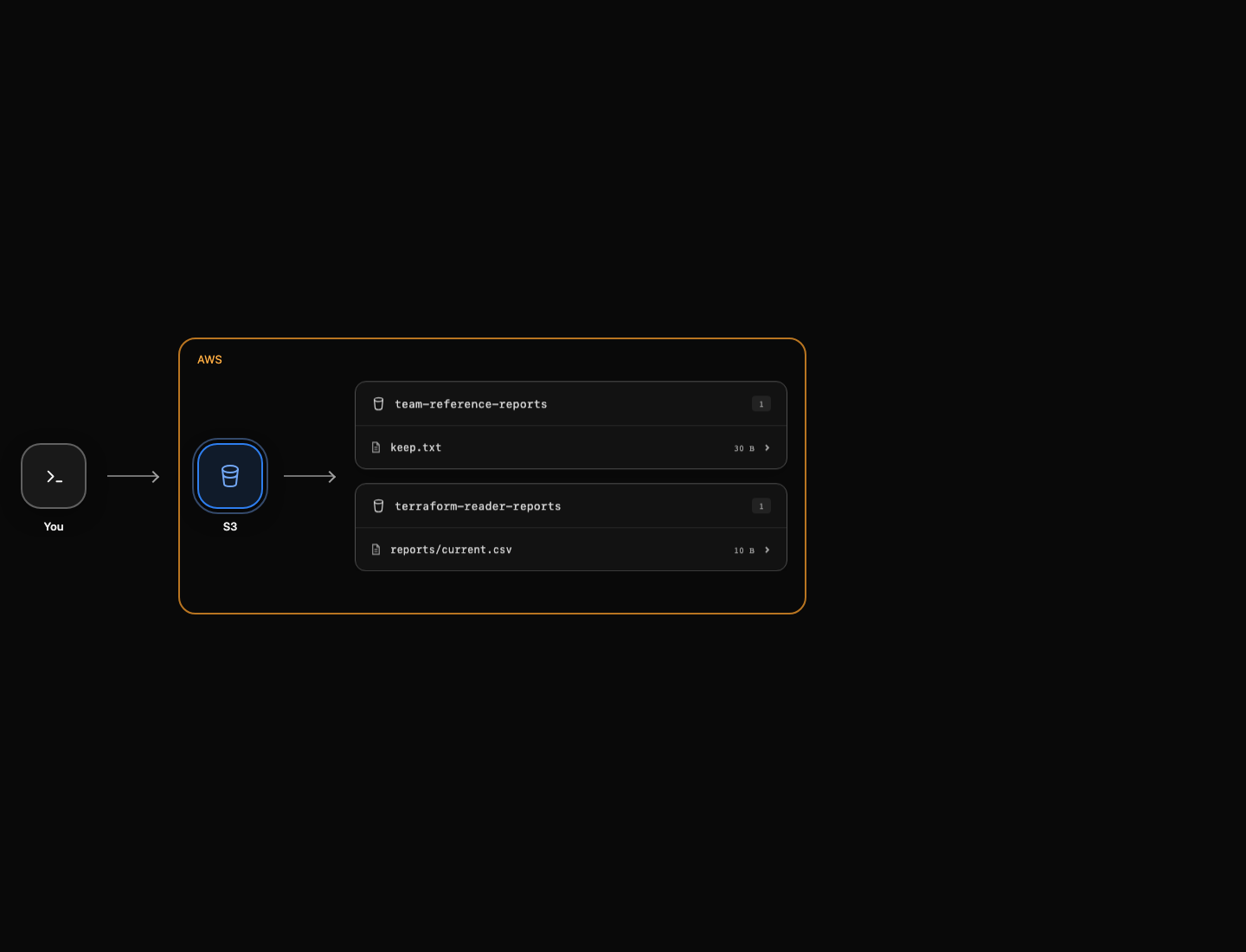
The default CLI identity manages infrastructure. The supplied reader profile belongs to the independent IAM user report-reader; its access is not borrowed from the operator. Creating storage does not automatically authorize that user. Profile selection changes the signing identity for an AWS request, not the resource itself.
Create a report store in the prepared root:
cd /home/labex/project/reader-access
cat > main.tf <<'EOF'
resource "aws_s3_bucket" "reports" {
  bucket = "terraform-reader-reports"
}
resource "aws_s3_object" "report" {
  bucket       = aws_s3_bucket.reports.id
  key          = "reports/current.csv"
  content      = "orders,12\n"
  content_type = "text/csv"
}
EOF
terraform init
terraform plan
Expect two additions. Apply and enter yes:
terraform apply
Attempt the report read with the independent reader. || true lets this command block continue after the intentional failure; it does not convert the request into a successful read.
aws s3api \
  get-object \
  --profile reader \
  --bucket terraform-reader-reports \
  --key reports/current.csv \
  reader-report.csv || true
Expect AccessDenied. The identity is valid but has no matching permission. Keep the separate team-reference-reports/keep.txt object private throughout the lab. AWS View uses the operator identity to inspect storage; an object preview there does not prove that the reader can access it.
Grant Only the Intended Report Read
In this step, you will use resource references to build an IAM identity policy and verify both allowed and forbidden reads.
An inline identity policy is attached directly to one user and grants actions to that user. s3:GetObject applies to an object ARN, not a bucket ARN. jsonencode turns a Terraform value into valid JSON, so you can use normal HCL resource references rather than manually constructing an escaped JSON string.
Create policy.tf. The reader name is a supplied fixture; the policy's target ARN combines the created bucket ARN and the actual object's key.
cat > policy.tf <<'EOF'
resource "aws_iam_user_policy" "reader" {
  name = "ReadReport"
  user = "report-reader"
  policy = jsonencode({
    Version = "2012-10-17"
    Statement = [{
      Effect   = "Allow"
      Action   = "s3:GetObject"
      Resource = "${aws_s3_bucket.reports.arn}/${aws_s3_object.report.key}"
    }]
  })
}
EOF
terraform plan
The plan adds one policy while retaining the bucket and report. Apply it and enter yes:
terraform apply
Read the target using the same reader profile:
aws s3api \
  get-object \
  --profile reader \
  --bucket terraform-reader-reports \
  --key reports/current.csv \
  reader-report.csv
cat reader-report.csv
Expect orders,12. Now use that same identity for an unrelated private object:
aws s3api \
  get-object \
  --profile reader \
  --bucket team-reference-reports \
  --key keep.txt \
  unrelated-report.txt || true
Expect AccessDenied, not downloaded reference data. This policy grants report reads only; it must not authorize report writes or deletion. Broad action or resource wildcards can create unintended access even if the target read works. The check reads native policy semantics and makes actual allowed/forbidden reads; it does not require a particular JSON layout. Equivalent string/list expressions and a report-only prefix can satisfy this task without granting new actions.
Revoke the Grant Without Deleting Data
In this step, you will remove the policy through Terraform and prove that access changes while the report remains.
Removing a resource block proposes removal of that managed resource. Delete only policy.tf, leaving storage configuration unchanged:
rm policy.tf
terraform plan -out=revoke.tfplan
terraform show revoke.tfplan
Expect one policy destruction and no bucket or object deletion. Apply that saved artifact:
terraform apply revoke.tfplan
Retry the target read as the same reader:
aws s3api \
  get-object \
  --profile reader \
  --bucket terraform-reader-reports \
  --key reports/current.csv \
  after-revoke.csv || true
Expect AccessDenied. A revoked permission does not remove an already downloaded local file, and the presence of reader-report.csv does not prove that a new request is authorized. Query the stored report with the default operator identity:
aws s3api \
  get-object \
  --bucket terraform-reader-reports \
  --key reports/current.csv \
  retained-report.csv
cat retained-report.csv
The report still contains orders,12. You have changed the authorization boundary without changing data. See IAM policy elements for the distinction between Action and Resource.
Remove the Owned Report Store
In this step, you will clean up the storage after completing the access and revocation checks.
Destroy this root's remaining resources and enter yes:
terraform destroy
The bucket and report object are removed; the supplied reader and team reference belong to the prepared environment and are not in this root's state. Inspect the final mapping and retained reference:
terraform state list
aws s3api \
  list-buckets \
  --query 'Buckets[].Name'
aws s3api \
  head-object \
  --bucket team-reference-reports \
  --key keep.txt \
  --query ContentLength
The state list is empty and the reference remains. Keep both prepared CLI identities configured until the final check finishes.
Summary
You used jsonencode and resource references to define an IAM identity policy, tested allowed and forbidden requests with an independent reader, revoked permission without deleting report data, and removed only the owned store.