



Introduction
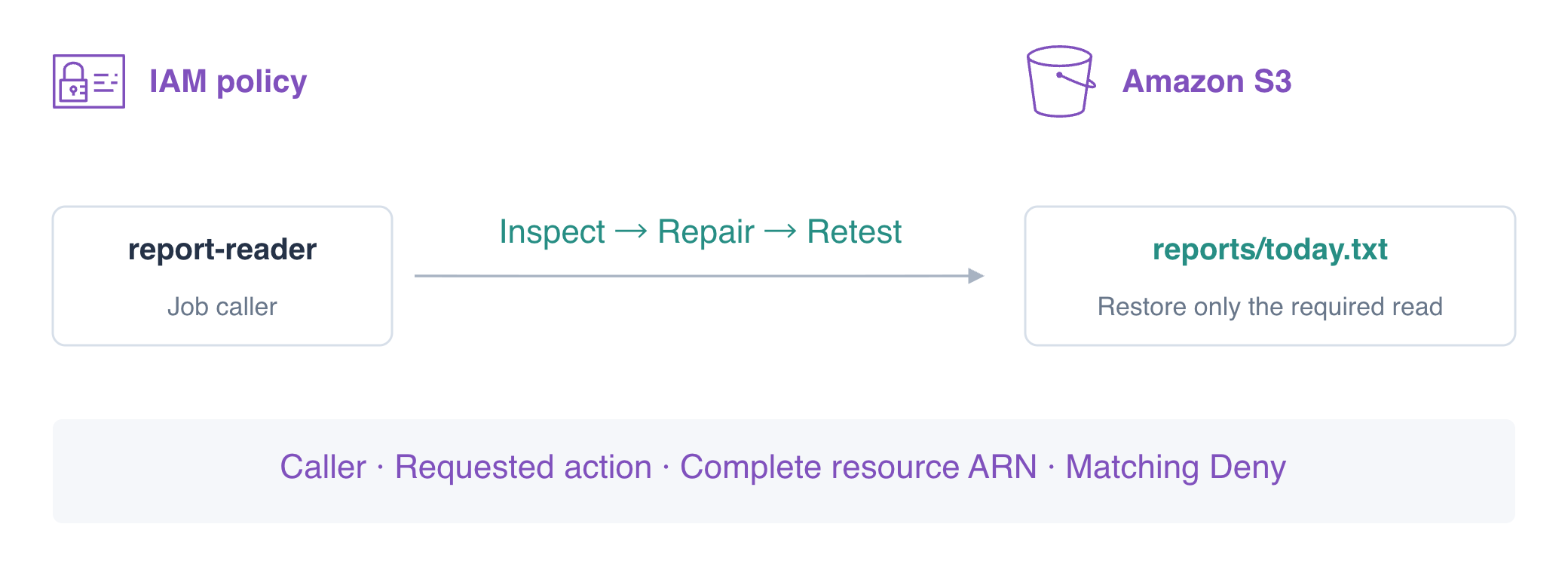
A report reader returns AccessDenied after a policy migration. You will inspect the caller, requested action, resource, and denial statement, repairing one mismatch at a time while preserving the reader's limited scope.
Complete Give a Report Reader Least Privilege first for policy fields and explicit Deny. This fresh VM prepares default for administration and reader for the job. Work in /home/labex/project and compare the stored policy with actual reads in AWS View.
Certification Relevance
| Certification | Exam task | Practice |
|---|---|---|
| Solutions Architect – Associate (SAA-C03) | Task 1.1 | Authorization diagnosis and access-boundary verification. |
| Developer – Associate (DVA-C02) | Task 2.1 | Authorization diagnosis and access-boundary verification. |
| CloudOps Engineer – Associate (SOA-C03) | Task 4.1 | Authorization diagnosis and access-boundary verification. |
| Security – Specialty (SCS-C03) | Task 4.2 | Foundational practice: Authorization diagnosis and access-boundary verification. |
| Data Engineer – Associate (DEA-C01) | Task 4.2 | Foundational practice: Authorization diagnosis and access-boundary verification. |
Lab Overview
Confirm the Caller and Correct the Requested Action
In this step, you will separate an identity mistake from a policy mismatch, then correct the Allow action. The same command with different credentials can produce a different authorization result.
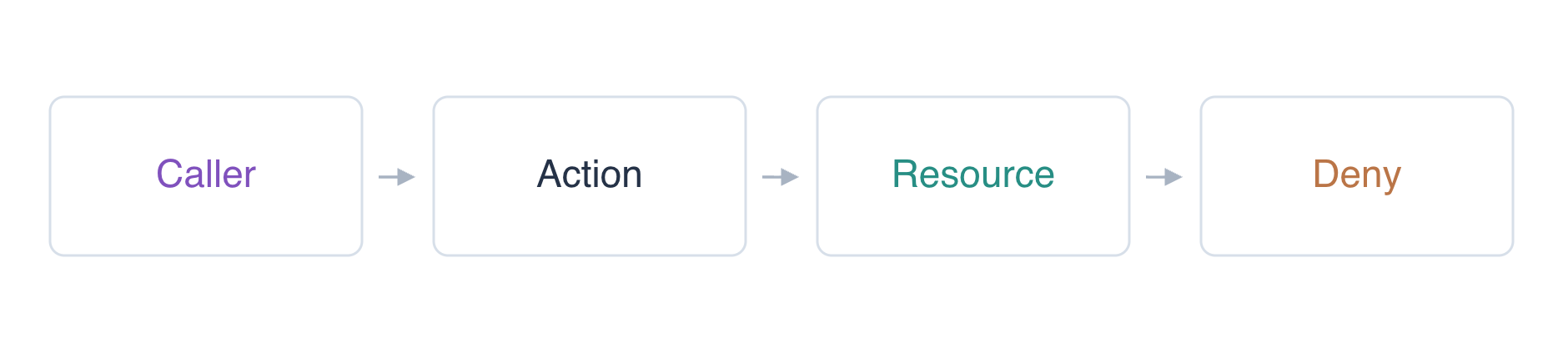
The migrated policy has several mismatches. Repairing one field can leave the request denied by another field or the explicit Deny. After each change, inspect the stored document and repeat the same reader request; an unchanged AccessDenied response alone does not show whether that individual correction was right.
cd /home/labex/project
aws sts get-caller-identity --query Arn --output text
aws sts get-caller-identity --profile reader --query Arn --output text
Expect user/iam05-operator and user/report-reader. The reporting job uses the reader, not the operator. Confirm the object exists using the operator, then reproduce the job's failure as the reader.
aws s3api get-object \
  --bucket labex-iam05-reports \
  --key reports/today.txt operator-report.txt
cat operator-report.txt
aws s3api get-object --profile reader --bucket labex-iam05-reports --key reports/today.txt reader-before.txt || true
The operator receives Daily orders: 145; the reader receives AccessDenied. A missing key or connection error would require a different investigation. || true allows this expected failed request to finish in a pasted sequence.
List the reader's policies and read the stored document. These are operator queries about the job's identity, not attempts to borrow operator access for the job.
aws iam list-user-policies --user-name report-reader
aws iam get-user-policy \
  --user-name report-reader \
  --policy-name LabReport \
  --query PolicyDocument
The Allow names s3:ListBucket, while the error names GetObject. ListBucket lists object names and uses a bucket ARN; it does not download object bytes. Change only the Allow Action to GetObject, keeping the current Resource and Deny so you can diagnose the next mismatch separately.
cat > repair-policy.json <<'JSON'
{"Version":"2012-10-17","Statement":[
  {"Effect":"Allow","Action":"s3:GetObject","Resource":"arn:aws:s3:::labex-iam05-reports"},
  {"Effect":"Deny","Action":"s3:GetObject","Resource":"arn:aws:s3:::labex-iam05-reports/reports/*"}
]}
JSON
aws iam put-user-policy \
  --user-name report-reader \
  --policy-name LabReport \
  --policy-document file://repair-policy.json
aws iam get-user-policy \
  --user-name report-reader \
  --policy-name LabReport \
  --query PolicyDocument
aws s3api get-object --profile reader --bucket labex-iam05-reports --key reports/today.txt reader-action-fix.txt || true
It still returns AccessDenied. The Action is now correct, but correcting one field does not guarantee that every applicable check passes.
Match the Complete Object ARN
In this step, you will repair the Resource while preserving the denial statement. GetObject applies to an object ARN, which includes its key. The bucket ARN arn:aws:s3:::labex-iam05-reports does not match arn:aws:s3:::labex-iam05-reports/reports/today.txt.
Replace the Allow Resource with exactly today's object ARN. Do not use * across buckets or keys; the job has one required input.
cat > repair-policy.json <<'JSON'
{"Version":"2012-10-17","Statement":[
  {"Effect":"Allow","Action":"s3:GetObject","Resource":"arn:aws:s3:::labex-iam05-reports/reports/today.txt"},
  {"Effect":"Deny","Action":"s3:GetObject","Resource":"arn:aws:s3:::labex-iam05-reports/reports/*"}
]}
JSON
aws iam put-user-policy \
  --user-name report-reader \
  --policy-name LabReport \
  --policy-document file://repair-policy.json
aws iam get-user-policy \
  --user-name report-reader \
  --policy-name LabReport \
  --query PolicyDocument
aws s3api get-object --profile reader --bucket labex-iam05-reports --key reports/today.txt reader-resource-fix.txt || true
Expect AccessDenied again. Now the Allow matches both Action and Resource, so inspect the remaining statement. Its Deny also matches GetObject on reports/*, including today. A matching explicit Deny takes precedence over the Allow; moving the Allow later in the document cannot override it.
Repair the Deny Without Widening Access
In this step, you will correct the migrated Deny scope and confirm the minimum repair. The intended guard protects private data; it should not deny the reporting input. Keep the exact read Allow and narrow the Deny to private/* rather than removing protection or adding broader grants.
cat > repair-policy.json <<'JSON'
{"Version":"2012-10-17","Statement":[
  {"Effect":"Allow","Action":"s3:GetObject","Resource":"arn:aws:s3:::labex-iam05-reports/reports/today.txt"},
  {"Effect":"Deny","Action":"s3:GetObject","Resource":"arn:aws:s3:::labex-iam05-reports/private/*"}
]}
JSON
aws iam put-user-policy \
  --user-name report-reader \
  --policy-name LabReport \
  --policy-document file://repair-policy.json
aws s3api get-object \
  --profile reader \
  --bucket labex-iam05-reports \
  --key reports/today.txt today.txt
cat today.txt
Expect Daily orders: 145. Test the nearby resources as the same reader; the completed repair must not expand its scope.
aws s3api get-object --profile reader --bucket labex-iam05-reports --key reports/yesterday.txt yesterday-denied.txt || true
aws s3api get-object --profile reader --bucket labex-iam05-reports --key private/payroll.txt payroll-denied.txt || true
aws s3api get-object --profile reader --bucket labex-iam05-reference --key reference.txt reference-denied.txt || true
All three must return AccessDenied. A required read grant also must not authorize writes. Attempt the supplied replacement, then verify the original report bytes remain unchanged.
aws s3api put-object --profile reader --bucket labex-iam05-reports --key reports/today.txt --body upload.txt || true
aws s3api get-object \
  --profile reader \
  --bucket labex-iam05-reports \
  --key reports/today.txt today.txt
cat today.txt
aws iam get-user-policy \
  --user-name report-reader \
  --policy-name LabReport \
  --query PolicyDocument
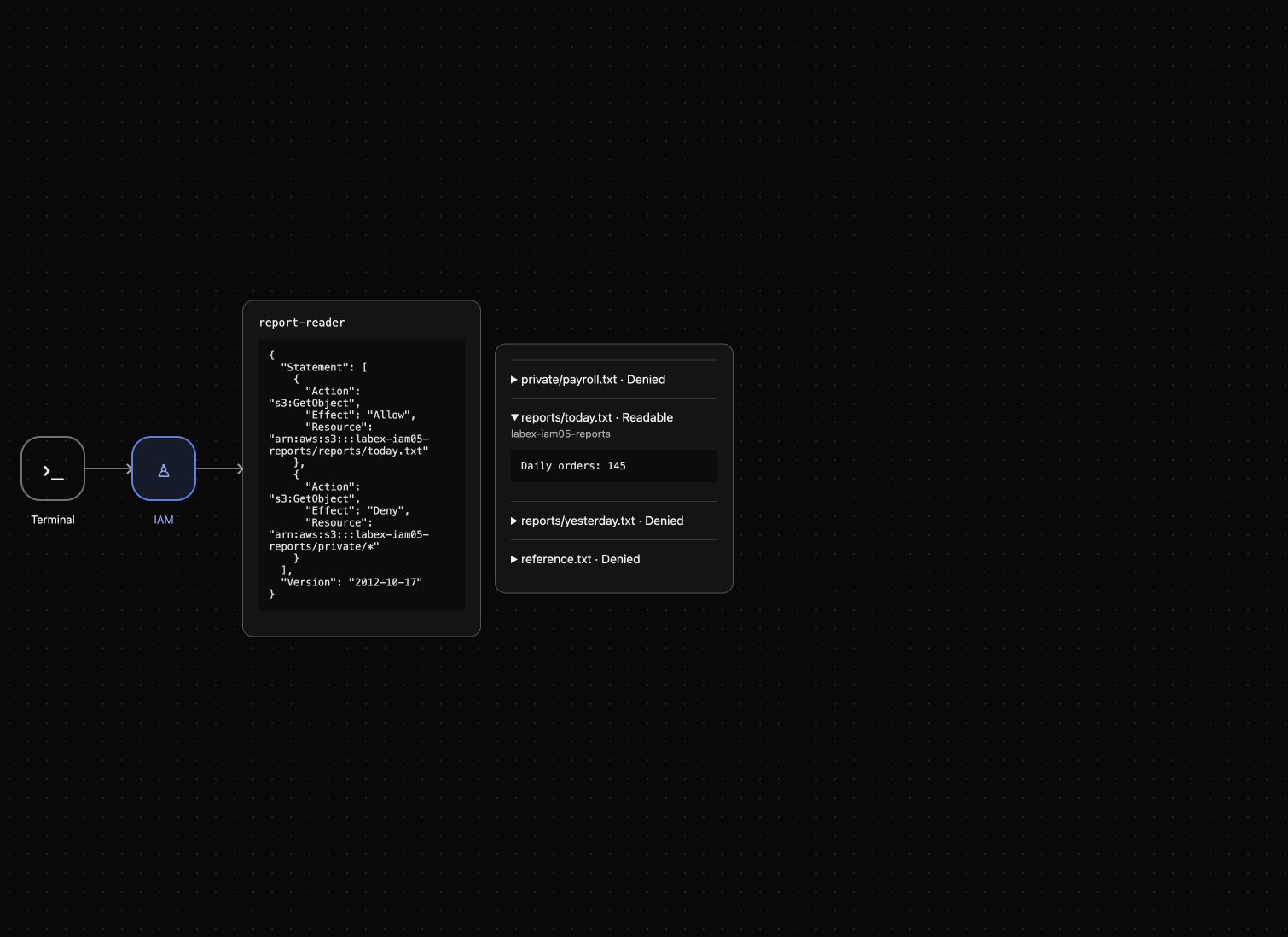
Expect PutObject AccessDenied and unchanged Daily orders: 145. AWS View now shows today Readable and the other resources Denied. The policy inspection explains the repair; actual requests demonstrate its effect.
Revoke the Repair and Clean Up Owned Data
In this step, you will remove LabReport and prove access is withdrawn while the report still exists. Then delete only the owned report bucket and its three keys.
aws iam delete-user-policy --user-name report-reader --policy-name LabReport
aws iam list-user-policies --user-name report-reader
aws s3api get-object --profile reader --bucket labex-iam05-reports --key reports/today.txt revoked.txt || true
Expect an empty policy list and AccessDenied. Policy revocation and data deletion are separate checks. Keep the reference bucket unchanged.
aws s3api delete-object --bucket labex-iam05-reports --key reports/today.txt
aws s3api delete-object --bucket labex-iam05-reports --key reports/yesterday.txt
aws s3api delete-object --bucket labex-iam05-reports --key private/payroll.txt
aws s3api list-objects-v2 --bucket labex-iam05-reports
Check KeyCount: 0 in a successful authenticated response, with no remaining object entries in Contents.
aws s3api delete-bucket --bucket labex-iam05-reports
aws s3api list-buckets --query 'Buckets[].Name'
aws s3api get-object --bucket labex-iam05-reference --key reference.txt reference.txt
cat reference.txt
Only the reference bucket remains with Platform reference: keep. Service failures do not prove deletion. The prepared identities are reclaimed when the environment ends; the job's policy and the owned exercise data are removed.
Summary
You confirmed the caller, compared the failing operation with the Allow Action, matched the complete object ARN, and corrected an overlapping explicit Deny. Intermediate failures helped identify remaining blockers. The final reader could read only its required report and could not write it or read unrelated data. You revoked the repaired grant and completed scoped cleanup. Use the same identity and test both successful and forbidden requests when diagnosing access.
For further reading, see the AWS reference on Diagnosing IAM access-denied errors.


