



Introduction
🧑💻 New to Linux or LabEx? We recommend starting with the Quick Start with Linux course.
Hi there, welcome to LabEx! In this first lab, you'll learn the classic "Hello, World!" program in Pandas.
Click the Continue button below to start the lab.
Hello Pandas
Let's start by importing the Pandas library. Open a new terminal and type:
python3
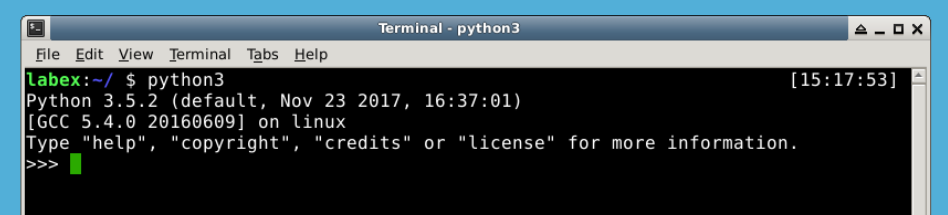
This will open a Python interpreter. Now, let's import Pandas:
import pandas as pd
Pandas is now imported and ready to use. Let's create a DataFrame. We'll start with a simple list of numbers:
df = pd.DataFrame([10, 20, 30, 40], columns=['numbers'], index=['a', 'b', 'c', 'd'])
We can print the DataFrame by typing:
print(df)
Summary
Congratulations! You have completed your first LabEx Lab.
If you want to learn more about LabEx and how to use it, you can visit our Support Center . Or you can watch the video to learn more about LabEx.
Programming is a long journey, but Next Lab is just one click away. Let's do it!


