Introduction
A product cache reduces source reads, but the cached price can become stale when the source changes. Observe that stale window, let the value expire, and then use explicit invalidation to make an application update visible immediately.
Complete Add a Cache to a Product Lookup first. This fresh environment independently supplies the same product application, DynamoDB catalog and a connected Valkey node. Use Terminal for ordinary AWS CLI and application commands, and AWS View to compare the source and responses. No earlier VM resources are reused.
Certification Relevance
| Certification | Exam task | Practice |
|---|---|---|
| Cloud Practitioner (CLF-C02) | Task 3.4 | Distinguish an in-memory cache from authoritative source data and observe the application consequence. |
Refresh a Price After TTL Expiration
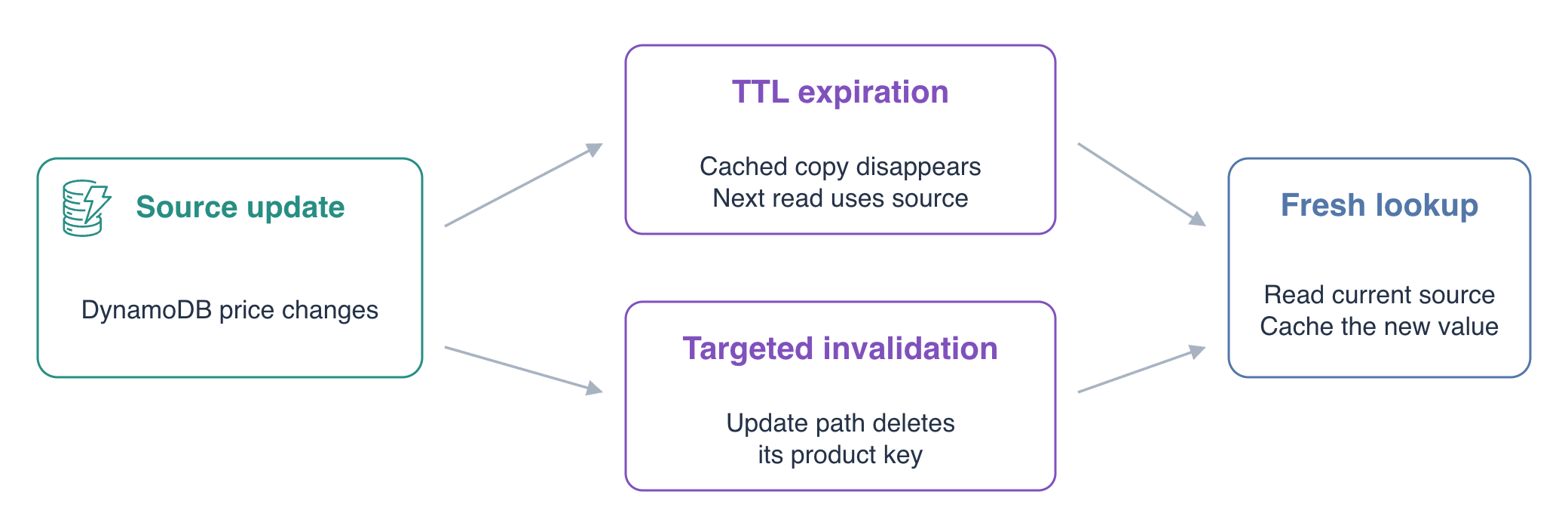
In this step, observe a stale cached price and its refresh after expiration. TTL, time to live, limits how long a cached value remains available. Expiration removes the cached copy; it does not delete the authoritative DynamoDB item.
Confirm the prepared identity and inspect the application settings:
cd /home/labex/project
aws sts \
  get-caller-identity
cat app.json
The ARN ends in labex-ca02-operator. The application already uses cache-aside, and product 101 starts at 20.00. Save and display the connected cache endpoint:
CACHE_HOST=$(jq -r .cache_host app.json)
echo "$CACHE_HOST"
Use a five-second TTL for this short demonstration. New cache writes use the configured TTL; changing the setting does not retroactively change an existing key:
jq '.ttl_seconds = 5' app.json > app.next.json
mv app.next.json app.json
The following block is one time-sensitive experiment. Run it together: read the original product, update the source directly, and immediately read the product again before its five-second cache lifetime ends. The direct AWS update changes DynamoDB without notifying the application's cache:
curl -sS http://127.0.0.1:8080/api/products/101
aws dynamodb \
  update-item \
  --table-name product-catalog \
  --key '{"product_id":{"S":"101"}}' \
  --update-expression 'SET price = :price' \
  --expression-attribute-values '{":price":{"N":"21.00"}}' \
  --return-values ALL_NEW
curl -sS http://127.0.0.1:8080/api/products/101
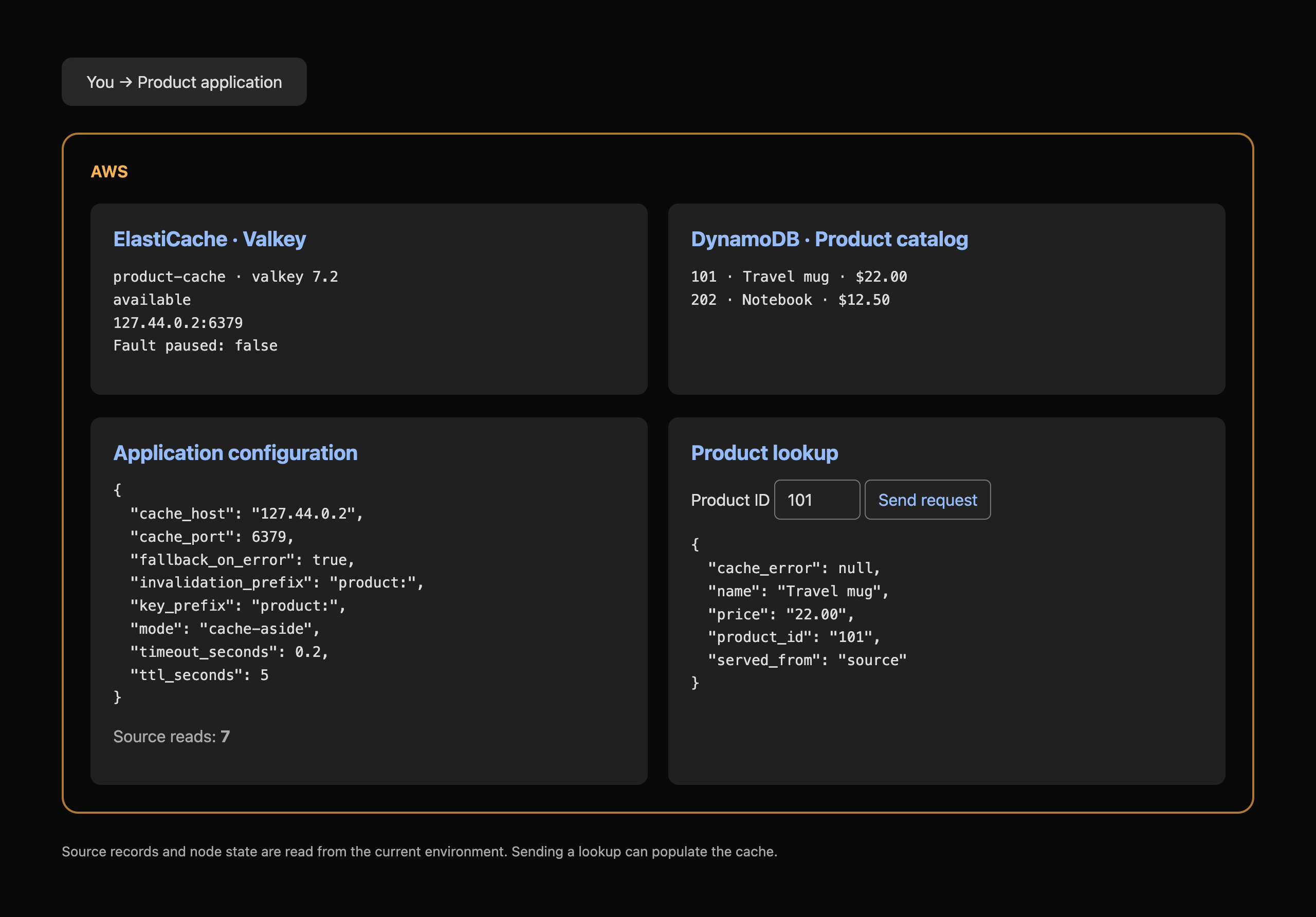
The source update returns 21.00, while the immediate cached response still returns 20.00 with served_from: cache. AWS View shows the newer source record alongside the application's current cache configuration. A successful database update does not automatically invalidate an application cache.
Wait beyond the TTL and make a new request:
sleep 6
curl -sS http://127.0.0.1:8080/api/products/101
The response now returns 21.00 from the source. The expired cache value was absent, so the application read DynamoDB and cached the new value. Inspect the remaining lifetime if you query promptly:
valkey-cli -h "$CACHE_HOST" -p 6379 TTL product:101
A positive number is the remaining lifetime; -2 means the key has already expired. This short TTL is for observing freshness in training, not a production recommendation. Production TTLs depend on how much staleness the application can tolerate.
Invalidate the Updated Product Immediately
In this step, use the application's update path to invalidate exactly the product being changed. Invalidation removes a cached copy so the next request reads current source data. Unlike waiting for TTL, it can make a known update visible immediately.
HTTP PUT sends a new price to the supplied application. It first updates DynamoDB, then deletes the matching cache key. Run the following sequence together: populate the current product, update it and read twice. Keeping these operations together makes the five-second TTL demonstration observable:
curl -sS http://127.0.0.1:8080/api/products/101
curl -sS -X PUT \
  -H 'Content-Type: application/json' \
  --data '{"price":"22.00"}' \
  http://127.0.0.1:8080/api/products/101
curl -sS http://127.0.0.1:8080/api/products/101
curl -sS http://127.0.0.1:8080/api/products/101
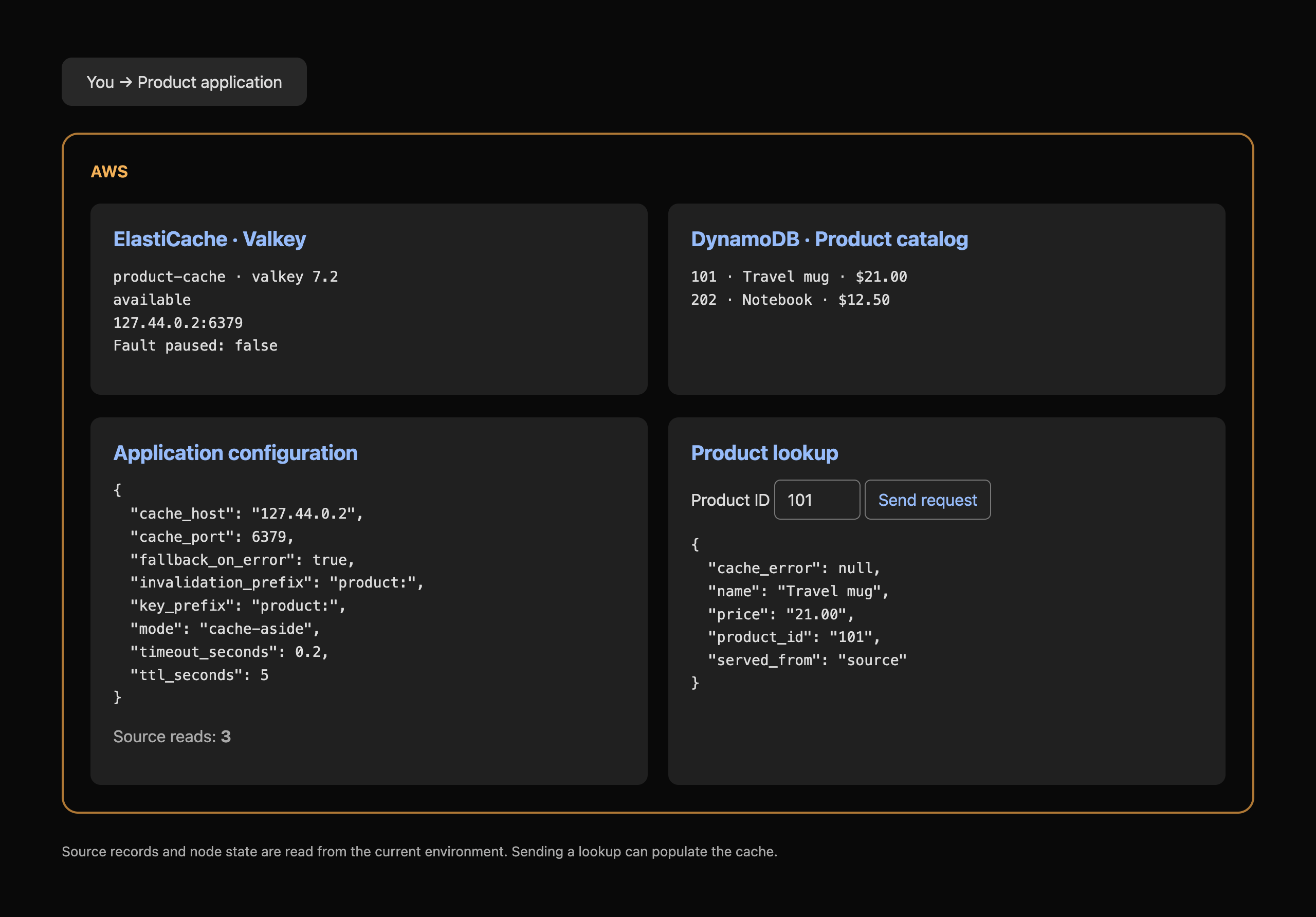
The update returns invalidation_key: product:101 and normally removed: 1: the actual cached key was deleted. If it expired before the update, removed: 0 means no cached copy remained; the correct invalidation key still matters. The next lookup returns 22.00 from the source, and the following lookup returns 22.00 from the cache. Explicit invalidation complements TTL; it must use the same key as the read path.
Product 202 is unrelated to this price update. Confirm its source record remains a Notebook priced at 12.50:
aws dynamodb \
  get-item \
  --table-name product-catalog \
  --key '{"product_id":{"S":"202"}}' \
  --consistent-read
Leave the updated application available for verification. The checks read actual request outcomes and source records; they do not require a key to remain present after its short TTL expires.
Summary
You observed an actual stale cache response after a direct source update, a refreshed response after TTL expiration, and immediate refresh after targeted invalidation. The source remains authoritative; TTL limits the stale window, while the application update path invalidates the precise read key.
For further reading, see the AWS reference on TTL and acceptable cache staleness; Valkey TTL results.