Introduction
An application already responds to HTTP requests, but customers need a name rather than an address. Create a Route 53 hosted zone and an A record, inspect the actual DNS answer and use that address to reach the supplied application.
Complete AWS Foundations first. This independent VM supplies configured AWS CLI access, a DNS query endpoint and an unrelated reference zone. You do not need a personal AWS account or a purchased domain. Use the upper AWS View to observe records and the lower Terminal to run commands. The practice name ends in .test; this lab does not register or delegate a public domain.
Certification Relevance
| Certification | Exam task | Practice |
|---|---|---|
| Cloud Practitioner (CLF-C02) | Task 3.5 | Route 53, DNS records and name resolution for an application. |
Lab Overview
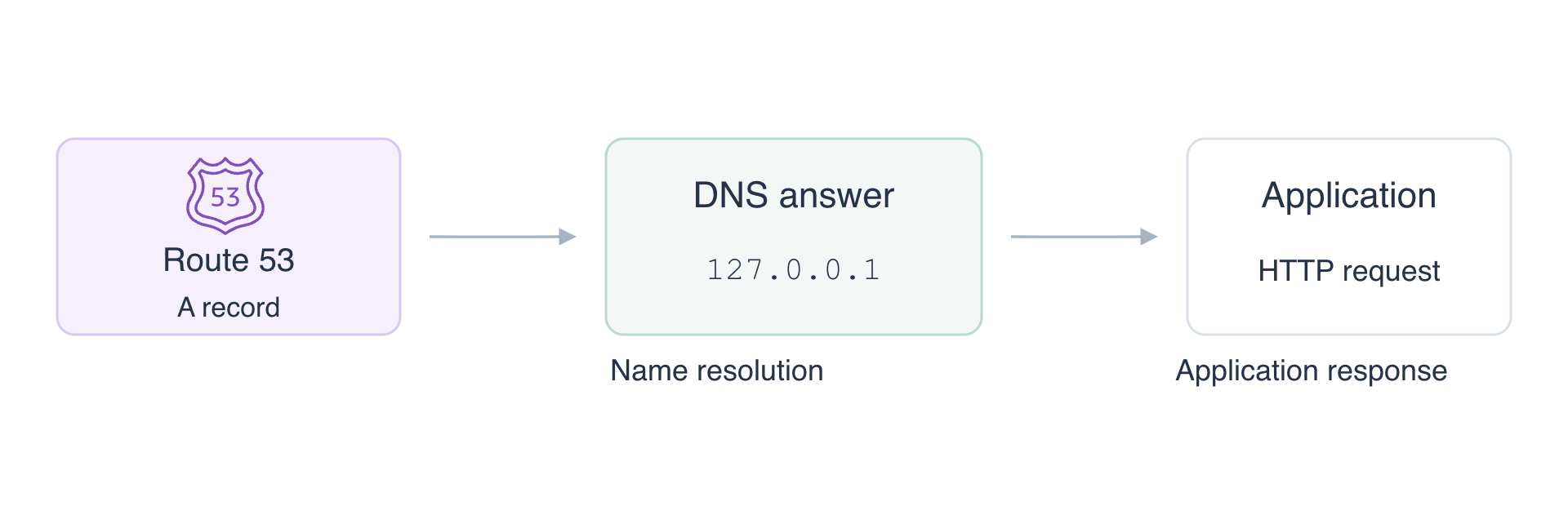
Create the Application Name
In this step, create a hosted zone and an A record for the prepared application.
DNS translates names into information such as IP addresses. A hosted zone holds the records for one domain. An A record maps a name to an IPv4 address. A record does not launch an application or open a network connection.
The domain is labex-n01.test; the application name will be app.labex-n01.test. The prepared application listens at 127.0.0.1 on HTTP port 8081. That loopback address refers to this VM, so all requests stay in the exercise environment.
Create the zone:
cd /home/labex/project
ZONE_ID=$(aws route53 create-hosted-zone \
  --name labex-n01.test \
  --caller-reference labex-n01-application \
  --query HostedZone.Id \
  --output text)
$(...) captures command output into the shell variable ZONE_ID. --query selects the new zone's ID; --output text makes it usable as the next command's argument. CallerReference distinguishes this creation request. Keep this Terminal open so the variable remains available.
A record change is supplied as JSON. The quoted here-document below writes literal text to record.json. TTL, in seconds, tells DNS caches how long they may reuse the answer; this endpoint answers the authoritative query directly, so this lab does not measure a recursive cache.
cat > record.json <<'JSON'
{
  "Changes": [{
    "Action": "CREATE",
    "ResourceRecordSet": {
      "Name": "app.labex-n01.test",
      "Type": "A",
      "TTL": 60,
      "ResourceRecords": [{"Value": "127.0.0.1"}]
    }
  }]
}
JSON
Apply it to your zone. file:// reads the local JSON file:
aws route53 change-resource-record-sets \
  --hosted-zone-id "$ZONE_ID" \
  --change-batch file://record.json
The response identifies the change. It is configuration evidence; the next step will test an actual DNS response. Inspect the stored record:
aws route53 list-resource-record-sets \
  --hosted-zone-id "$ZONE_ID" \
  --query "ResourceRecordSets[?Type=='A']"
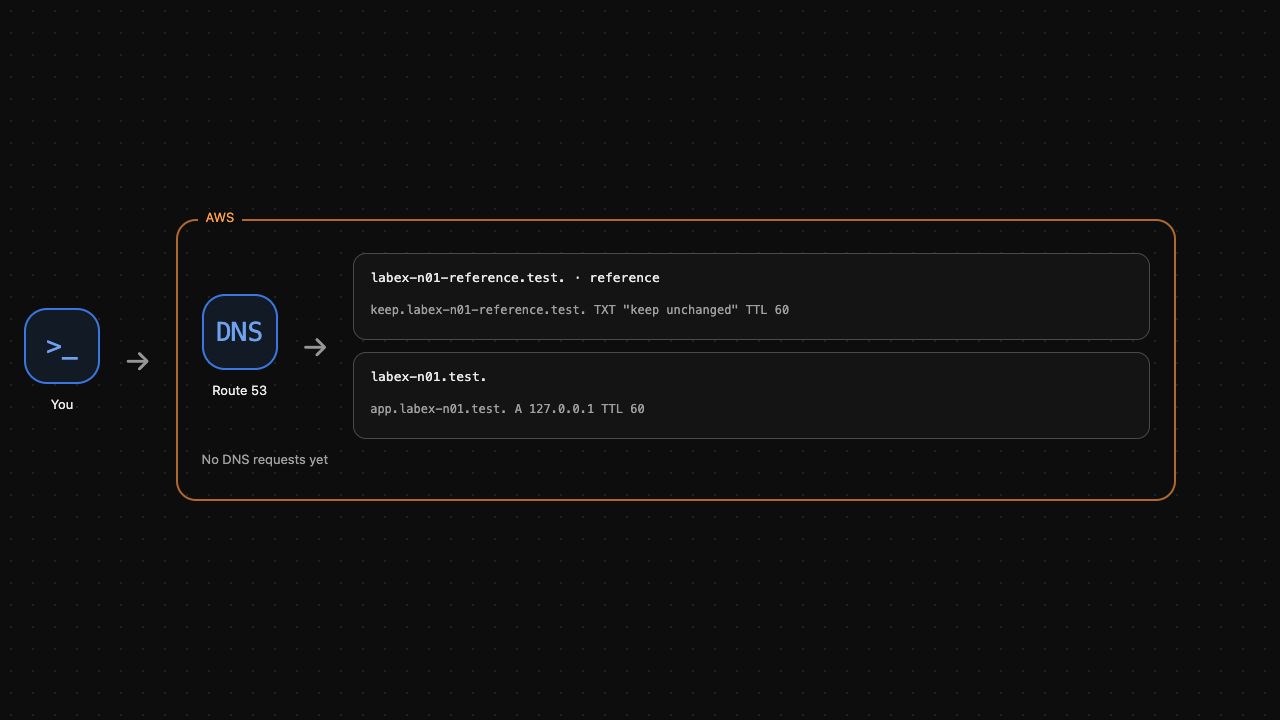
Find the application name, A, TTL 60 and 127.0.0.1. In AWS View, your zone now contains that record beside the separate reference zone. Do not edit the reference zone. Run the record check before continuing.
Query DNS and Request the Application
In this step, distinguish a successful DNS answer, a missing name and a successful HTTP request.
dig is a DNS query tool. @127.0.0.1 selects the prepared DNS server, and -p 1053 selects its exercise port. +norecurse requests an authoritative answer without recursive lookup. This explicitly tests the supplied server without changing the VM's system resolver.
dig +norecurse @127.0.0.1 -p 1053 app.labex-n01.test A
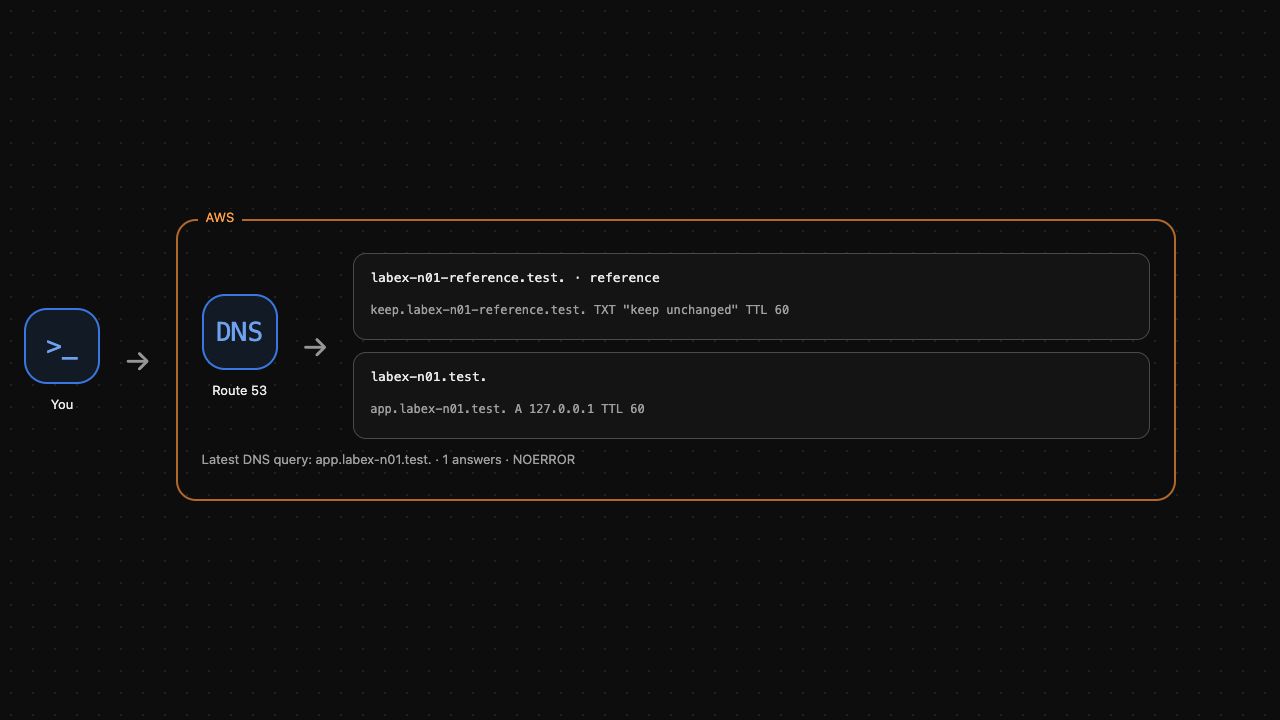
The response should show status: NOERROR and an ANSWER entry containing the application name, TTL 60, type A and address 127.0.0.1. The DNS answer comes from your actual Route 53 record. Compare it with a name you did not create:
dig +norecurse @127.0.0.1 -p 1053 missing.labex-n01.test A
Expect status: NXDOMAIN and no answer. This is a successful DNS exchange reporting an absent name, not a failed connection to the DNS server. AWS View shows the latest real query and its answer count.
Now capture the address. +short prints just the answer:
APP_IP=$(dig +norecurse @127.0.0.1 -p 1053 app.labex-n01.test A +short)
printf '%s\n' "$APP_IP"
curl makes the HTTP request. --resolve supplies the address for this request's exact name and port using the answer you just obtained; it does not register a domain or change system DNS.
curl --fail --noproxy '*' \
  --resolve "app.labex-n01.test:8081:${APP_IP}" \
  http://app.labex-n01.test:8081/
Expect:
Delivery application ready
DNS produced an address; HTTP then reached an application at that address. These are two distinct results. A valid DNS answer alone would not prove the application is running. Run the query and application check.
Remove Only the Application Zone
In this step, remove your record and hosted zone, then observe that the name no longer resolves.
A zone cannot normally be deleted while it still contains application records. A DELETE change must match the record's name, type, TTL and value. Write the same record with the deletion action:
cat > delete-record.json <<'JSON'
{
  "Changes": [{
    "Action": "DELETE",
    "ResourceRecordSet": {
      "Name": "app.labex-n01.test",
      "Type": "A",
      "TTL": 60,
      "ResourceRecords": [{"Value": "127.0.0.1"}]
    }
  }]
}
JSON
Apply the deletion and remove the now-empty application zone:
aws route53 change-resource-record-sets \
  --hosted-zone-id "$ZONE_ID" \
  --change-batch file://delete-record.json
aws route53 delete-hosted-zone \
  --id "$ZONE_ID"
Query your removed name again:
dig +norecurse @127.0.0.1 -p 1053 app.labex-n01.test A
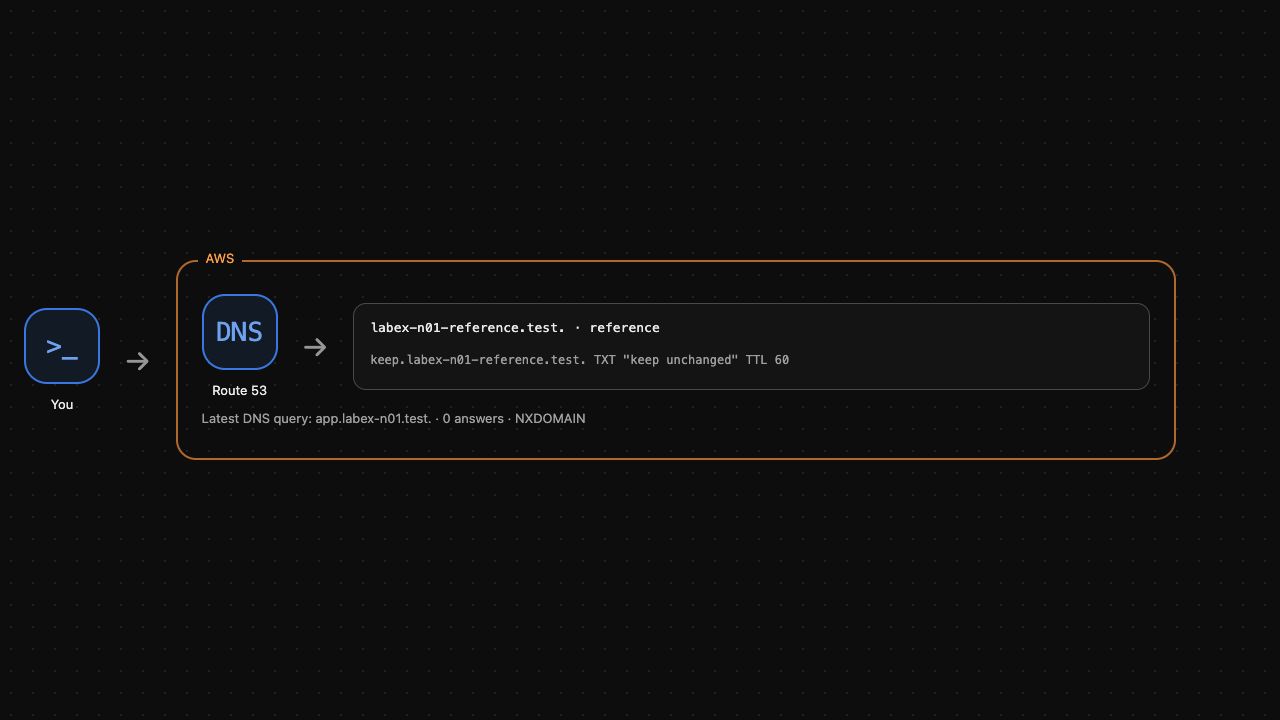
Expect NXDOMAIN. The application process is unrelated preparation and may still run; deleting a DNS record removes the name mapping, not the application itself. In AWS View only the reference zone remains. Run the cleanup check.
Summary
You created a hosted zone and A record, read actual DNS answers, requested an application using the returned address, and removed only your own DNS resources. You distinguished record configuration, name resolution and application availability. Next, learn how CloudFront serves content from a restricted S3 origin.