



Introduction
A status-only scanner matched both a real diagnostic response and a documentation example. Now build a check that asks the intended question: did an unauthenticated request receive this application's live internal diagnostic object?
You will create a native Nuclei YAML template, test its response conditions, and scan six approved Fieldwork Studio sites. Your reusable template and real findings are the handoff. The environment is independent of the previous lab; no files or processes carry over.
Complete Confirm Diagnostic Exposure with Real Responses first, or be comfortable reading HTTP status, content-type headers, a small JSON object and Nuclei JSONL findings. This lab explains its YAML and matching expressions. All target configuration is synthetic. Use only the supplied read-only scope, preserve the public workshop pages and schedules, and allow about 65 minutes including reading and ordinary mistakes; this is an author estimate.
Establish the Check's Response Contract
In this step, you will establish the normal service and the exact question your template must answer. Open Workshops, browse the sessions, and use Get the workshop schedule to download the real fieldwork-schedule.csv. Printmaking and Bookbinding must remain available throughout your assessment.
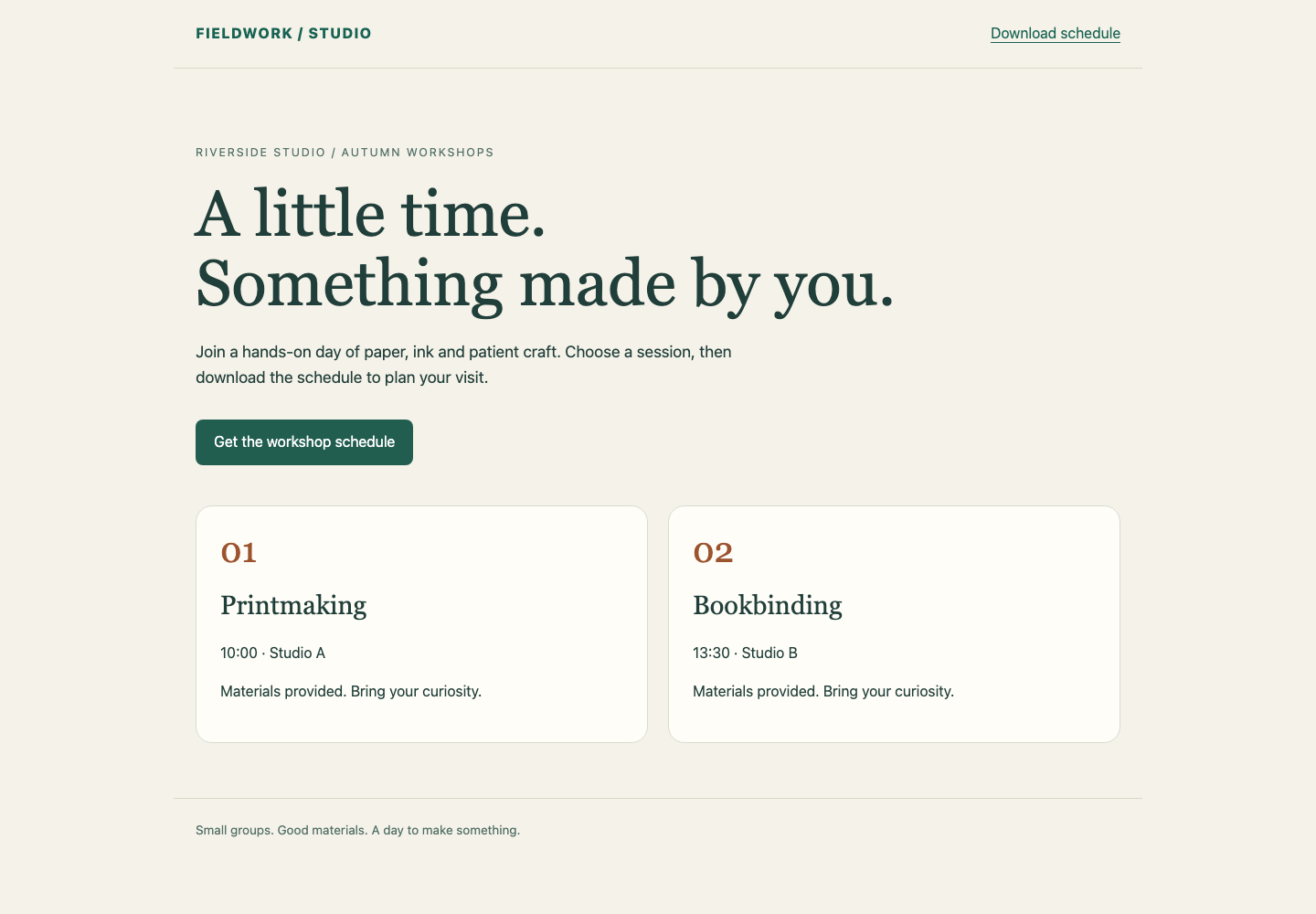
The two workshop cards show the public service you must preserve. The green Get the workshop schedule link downloads its actual schedule.
Switch to Auditor. It enters the Kali audit container at /home/labex/project. Read the scope and approved base URLs:
cat scope.txt
cat targets.txt
The six sites are studio, archive, manual, garden, status and members, under http://workshop.test:8080/. Test only these URLs, using read-only HTTP GET requests. Do not modify the target sites or supplied scope files.
Revisit a live diagnostic response. As before, curl -i includes the response headers:
curl -i http://workshop.test:8080/studio/maintenance/diagnostics
A finding must combine HTTP 200, a JSON content type, and the application's top-level internal diagnostic object. Its four scalar fields identify the service and visibility, an absolute database file path, and an unquoted nonnegative integer request count. The file path and count may change. Key order and whitespace do not affect the meaning. A nested documentation example is not the live object.
Your check targets this small application's stated response format. It does not establish that an arbitrary JSON endpoint is vulnerable or that a site has no other issues. In particular, a public page, public JSON summary, health response, HTTP refusal or sign-in redirect is not the required exposure evidence.
If your directory changes, use pwd to inspect it and cd /home/labex/project to return before reading or creating relative filenames. Keep your work when reconnecting; opening a terminal does not rebuild the scene.
Build the Native Response Matchers
In this step, you will write a reusable template instead of relying on an HTTP 200 match. Stay in Auditor.
A Nuclei template has an id, descriptive info, and a protocol section such as http. Indentation groups nested YAML fields, while a dash begins a list item. Use spaces, not tabs. method: GET selects a read-only request. {{BaseURL}} comes from the target passed to Nuclei, so the template does not embed a particular hostname, port or site prefix. redirects: false keeps a sign-in redirect visible as a redirect.
A matcher is a condition applied to a response. This template requires all three matcher groups:
| Group | Required observation | Why it matters |
|---|---|---|
| Status | HTTP 200 | A refusal or redirect is not the requested internal response. |
| Header | A JSON content type, with optional parameters | A normal HTML page does not establish diagnostic exposure. |
| Body | The published live diagnostic fields in a flat JSON object | Public JSON, health data and nested examples are different results. |
matchers-condition: and combines these groups. Without it, the default OR relationship could let HTTP 200 alone produce a finding again. Inside the DSL matcher, condition: and likewise requires every listed body expression.
DSL means domain-specific language: here, short expressions that inspect a response. body is the response text. json_minify(body) parses and compacts valid JSON, removing insignificant whitespace without relying on key order. contains(text, fragment) looks for a literal fragment. Normalizing first lets a field written as "visibility" : "internal" match the same condition as "visibility":"internal".
regex(pattern, text) applies a regular expression. The expressions below use a small set of symbols:
/[A-Za-z0-9._/-]+requires a leading slash followed by one or more path characters: letters, digits, dots, underscores, slashes or hyphens. It accepts changed absolute paths, including uppercase letters.[0-9]+[,}]requires digits followed immediately by a comma or closing brace. This avoids treating a quoted count, a negative value or the start of a decimal as the whole-number count.^\{[^{}]*\}$requires one outer pair of braces and no nested braces, matching this course's flat four-field diagnostic format rather than an object inside a documentation example.
The header expression uses (?im) for case-insensitive, line-based matching; \s* permits whitespace. Its optional (?: ... )? group accepts parameters such as ; charset=utf-8. You can copy this expression as a complete JSON content-type check; you do not need to construct a general MIME parser.
In the YAML below, >- introduces a text value on the following indented line. It preserves the expression's quotes and backslashes without extra YAML quote escaping. The single quotes inside each expression surround literal text; the double quotes inside that text are the JSON field punctuation to match.
Create diagnostics.yaml. As in the previous lab, > replaces this file and the quoted here-document delimiter copies the block literally. The final YAML must be alone on its line.
cat > diagnostics.yaml <<'YAML'
id: workshop-diagnostics-exposed
info:
  name: Public workshop diagnostics
  author: labex
  severity: medium
http:
  - method: GET
    path:
      - "{{BaseURL}}/maintenance/diagnostics"
    redirects: false
    matchers-condition: and
    matchers:
      - type: status
        status: [200]
      - type: regex
        part: header
        regex:
          - '(?im)^content-type:\s*application/json(?:\s*;[^\r\n]*)?\s*$'
      - type: dsl
        condition: and
        dsl:
          - >-
            contains(json_minify(body), '"service":"workshop-portal"')
          - >-
            contains(json_minify(body), '"visibility":"internal"')
          - >-
            regex('"database_file":"/[A-Za-z0-9._/-]+"', json_minify(body))
          - >-
            regex('"request_count":[0-9]+[,}]', json_minify(body))
          - >-
            regex('^\{[^{}]*\}$', json_minify(body))
YAML
Ask the real engine to validate the template. -validate checks Nuclei's template syntax; it does not establish correct detection behavior. -t selects your file, -duc disables update checks, -ni disables external Interactsh callbacks, and -nc removes terminal color codes.
nuclei -t diagnostics.yaml -validate -duc -ni -nc
Expect All templates validated successfully. If Nuclei reports a YAML or expression error, compare indentation, quotes and backslashes with the complete block, then repeat the corrected here-document and validation command. Preserve targets.txt and scope.txt.
The course accepts this taught subset: one HTTP GET definition at the approved {{BaseURL}}/maintenance/diagnostics path, no redirects, and response-only status, word, regex or DSL matchers. Allowed DSL helpers are contains, contains_all, contains_any, regex, json_minify, len, tolower, toupper, starts_with and ends_with, applied to body, all_headers, status_code or content_length. Use only id, info and http at the top level, and the request fields method, path, redirects, matchers-condition and matchers. Keep the template within 32 KiB and at most twelve matchers. Other protocols, scripts, external callbacks and local-file access are outside this task. Equivalent matcher arrangements within this scope are welcome.
Verification runs your unchanged template with the native Nuclei engine against disposable positive and negative response examples. Those examples include changed ports, hostnames, values, JSON layout and content-type parameters. A file that merely validates, always matches or never matches cannot pass these functional checks.
Run the Check and Review the Handoff
In this step, you will apply your template to the actual approved sites and retain evidence that can be reviewed. Stay in Auditor. The same file can be reused when the target list changes because its path is relative to BaseURL.
Run the real assessment. -l supplies the base URLs, -o saves findings, and -elog saves request errors. -jsonl uses one JSON object per finding; -ot omits the encoded template while retaining the native request and response.
nuclei -t diagnostics.yaml -l targets.txt -duc -ni -nc -jsonl -ot -o findings.jsonl -elog scan-errors.jsonl
Before interpreting an absent finding, inspect the native request error log:
cat scan-errors.jsonl
It should be empty for this successful run. A connection error is an incomplete check even if Nuclei exits zero or prints No results found. Correct spelling or connection issues before making a conclusion, and use new filenames for a retry so earlier evidence is not confused with the new run. The accepted final files are findings.jsonl and scan-errors.jsonl; if you retried under new names, use cp to copy the successful pair into those final filenames. For example, cp retry-findings.jsonl findings.jsonl copies the first file over the second; copy the matching error log as well.
Read the findings:
cat findings.jsonl
Expect one matched URL ending in /studio/maintenance/diagnostics. Read the embedded response and its X-Audit-Event, not only the number of findings. The body must satisfy the contract you checked manually.
Confirm why two plausible alternatives did not match:
curl -i http://workshop.test:8080/garden/maintenance/diagnostics
This is public JSON with visibility set to public. It is not an internal diagnostic exposure.
curl -i http://workshop.test:8080/members/maintenance/diagnostics
Expect HTTP 302 with a Location pointing to sign-in. Your template does not follow it and mistake the sign-in page for a diagnostic result. The other nonmatching sites are the protected archive, nested documentation at manual, and the minimal health response at status. Each still receives the approved read-only request; no finding describes only this template's conditions, not the site's overall security.
Deliver self-contained regular files that auditor can read. Your handoff consists of the reusable diagnostics.yaml, the actual findings.jsonl, and the corresponding scan-errors.jsonl. Keep the scope files alongside them. The template contains no target-specific database file path, request count, hostname or port. Verification checks the live evidence before running isolated examples and preserves your files. Its ordinary read-only preservation requests can add server log entries and increase request counts; they do not become learner assessment evidence.
The independent challenge gives you a new deployment list and addresses. Apply the same response contract and the same error discipline, keeping public workshop use and authorized maintenance access available.
Summary
You wrote a native Nuclei HTTP template that combines status, content type and normalized diagnostic fields. You tested response differences, preserved BaseURL portability, and assessed all approved sites without treating execution failure as a negative result. Your handoff is the actual template, findings and matching native request error log.


