


Before You Begin
- Ensure that you have exited the previous Alibaba Cloud lab before initiating a new one.
- Logout from your personal Alibaba Cloud account prior to logging into this lab.
- Understand that the account credentials provided to you are strictly for lab usage. The lab account operates independently and is not associated with your personal Alibaba Cloud account.
Possible Solutions:
Incorrect Username or Password:
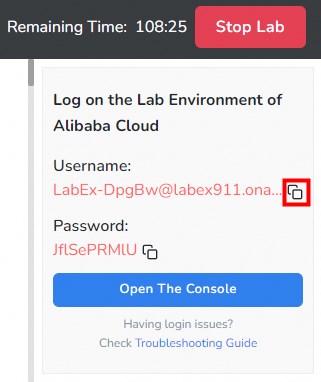
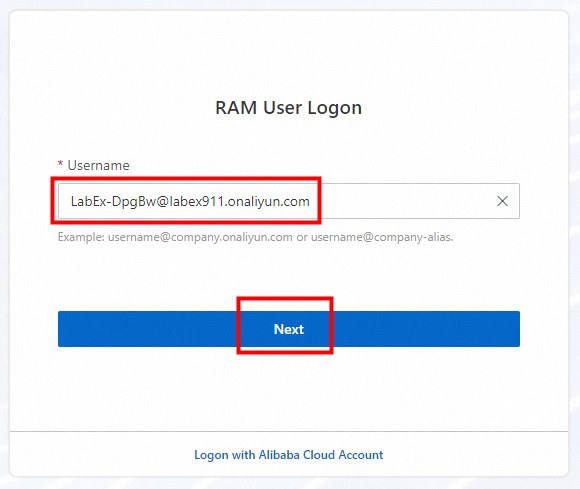
Re-enter your username and password, ensuring correct spelling and formatting.
Browser Issues:
Clear your browser's cache and cookies. After that, restart your browser and try logging in again.
If possible, attempt to log in using a different device or browser, or update your existing device or browser to the latest version.
VPN or Proxy Server Problems:
Disable your VPN or proxy server before attempting to log in again.
Internet Connectivity Issues:
Verify your internet connection. If possible, try reconnecting or switch to a different network.
Keep in mind that these are general suggestions, and specific solutions may vary depending on your individual situation. If the problem persists, provide error messages or screenshots for further assistance.