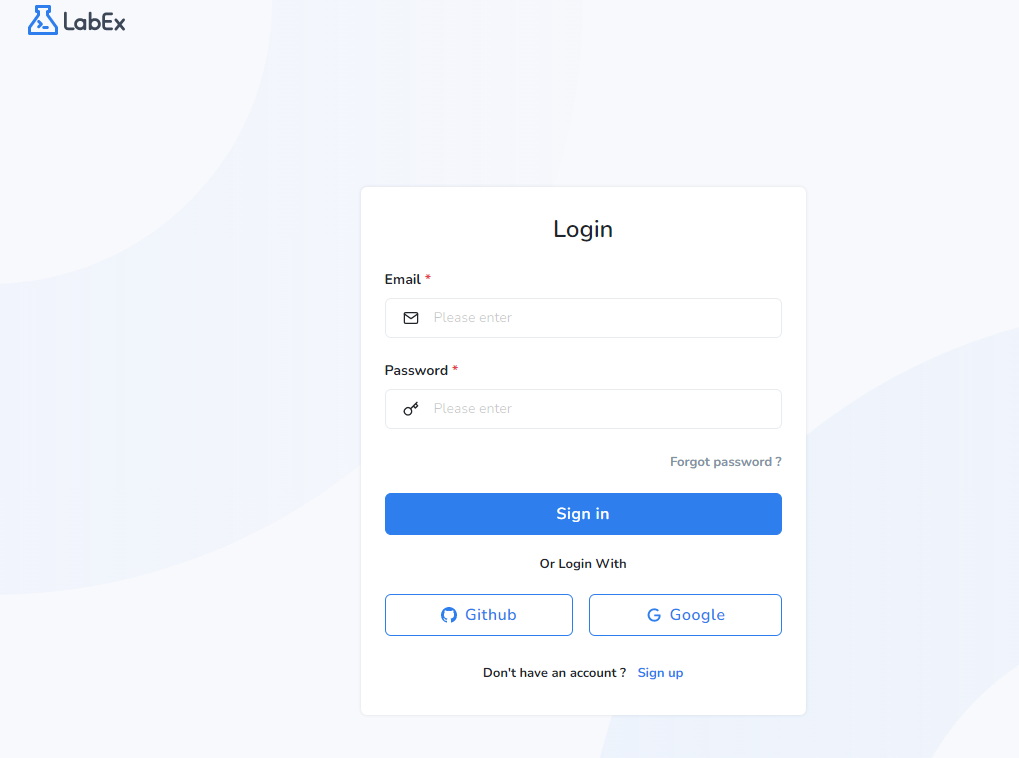
1.Log in LabEx
Visit LabEx and log in.
2.Submit your Alibaba Cloud Account ID
2.1 Please refer to this online guide to find your Alibaba Cloud Account ID :
https://www.alibabacloud.com/help/en/message-service/latest/what-is-an-account-id
2.2 Visit Path and click "Follow".
https://labex.io/paths/aca-cloud-computing
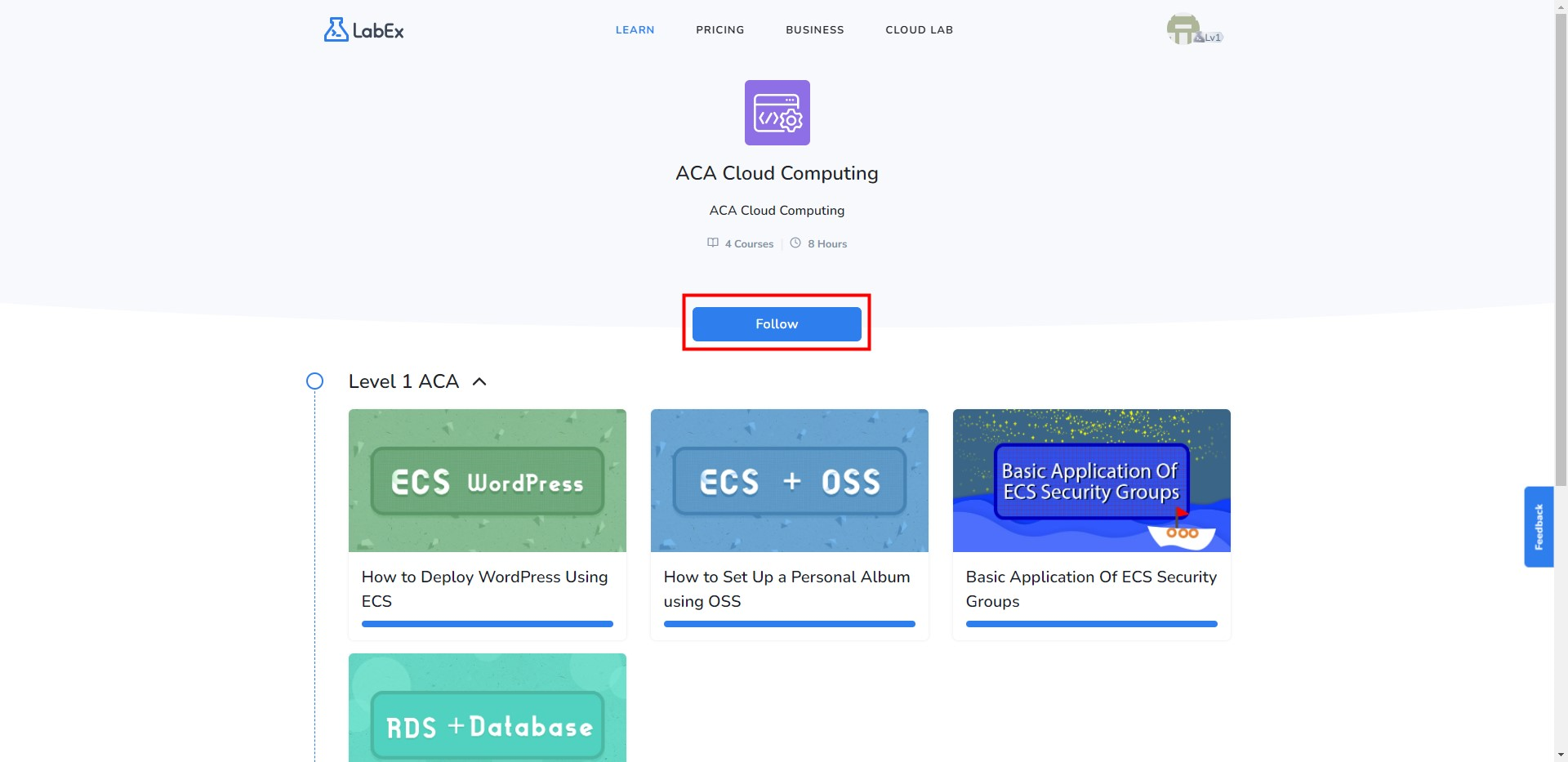
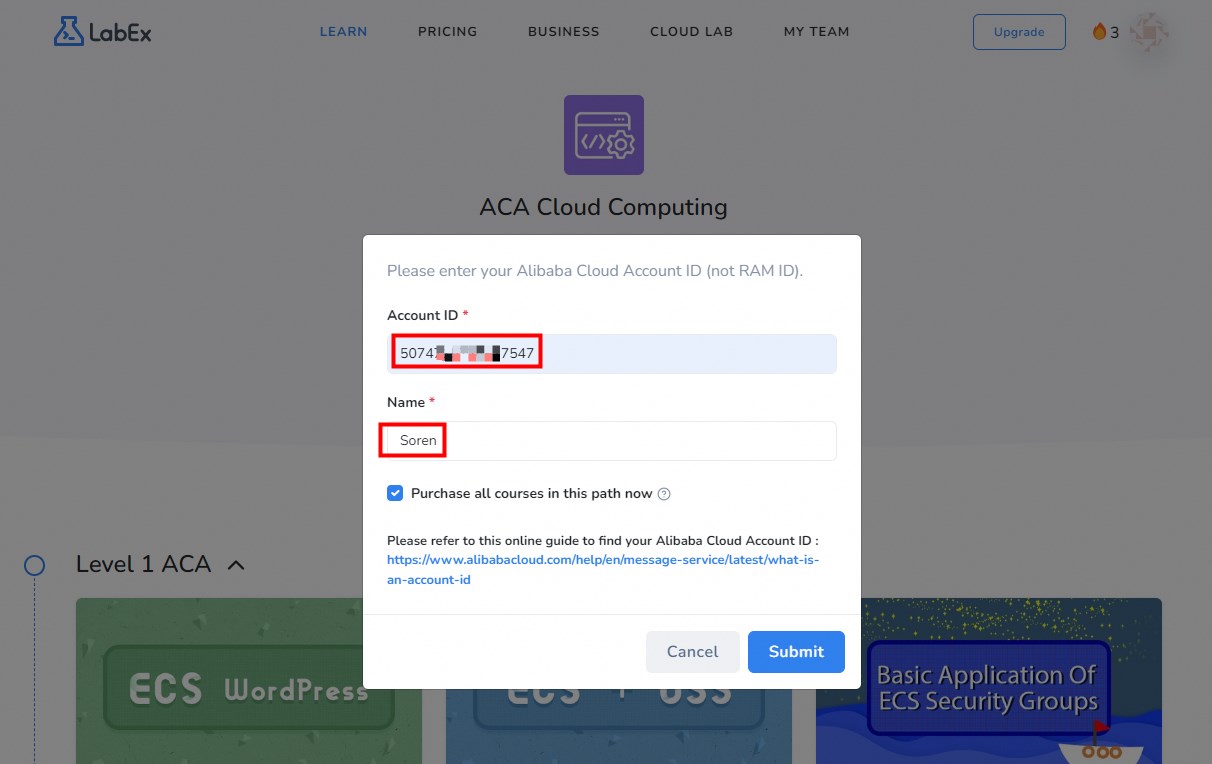
If you have already followed, please proceed to fill in the Account ID.
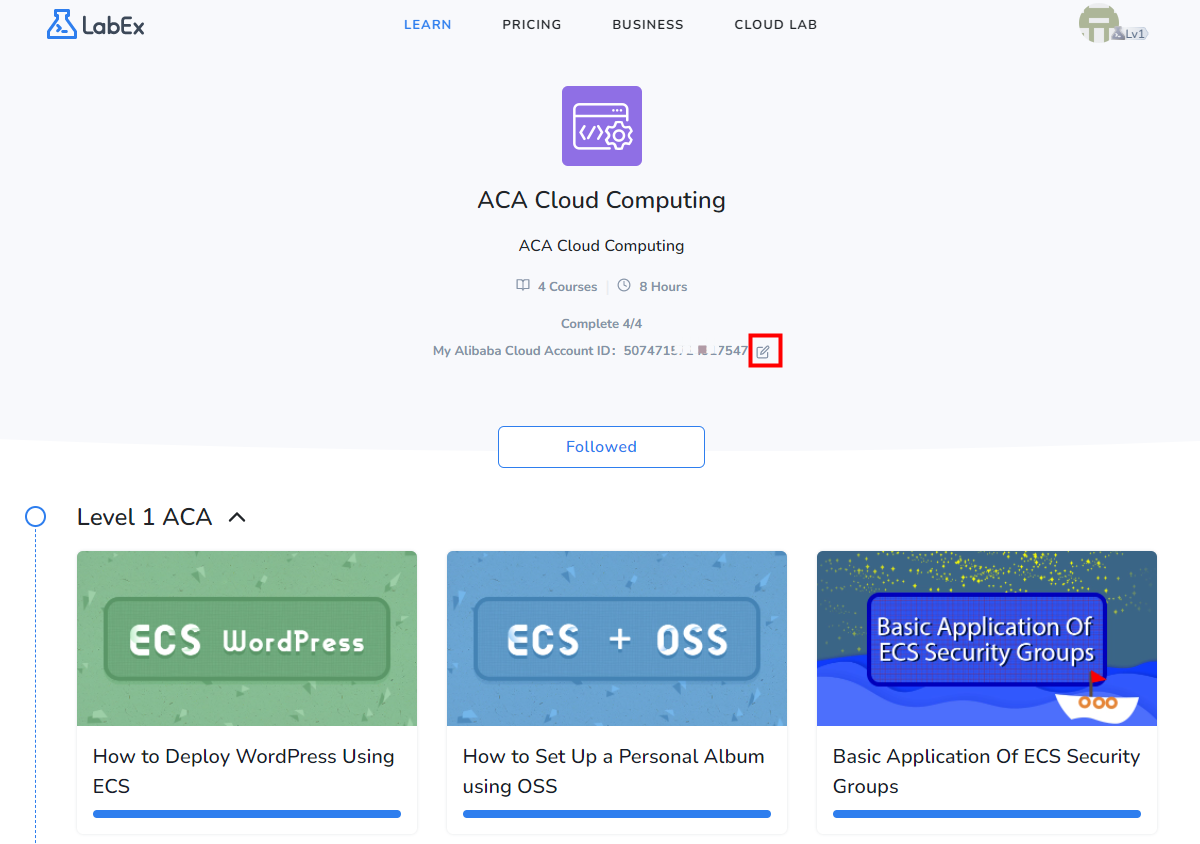
3.Collect Certification
Log in with the your Alibaba Cloud account.
https://edu.alibabacloud.com/clouder/my/labexCert
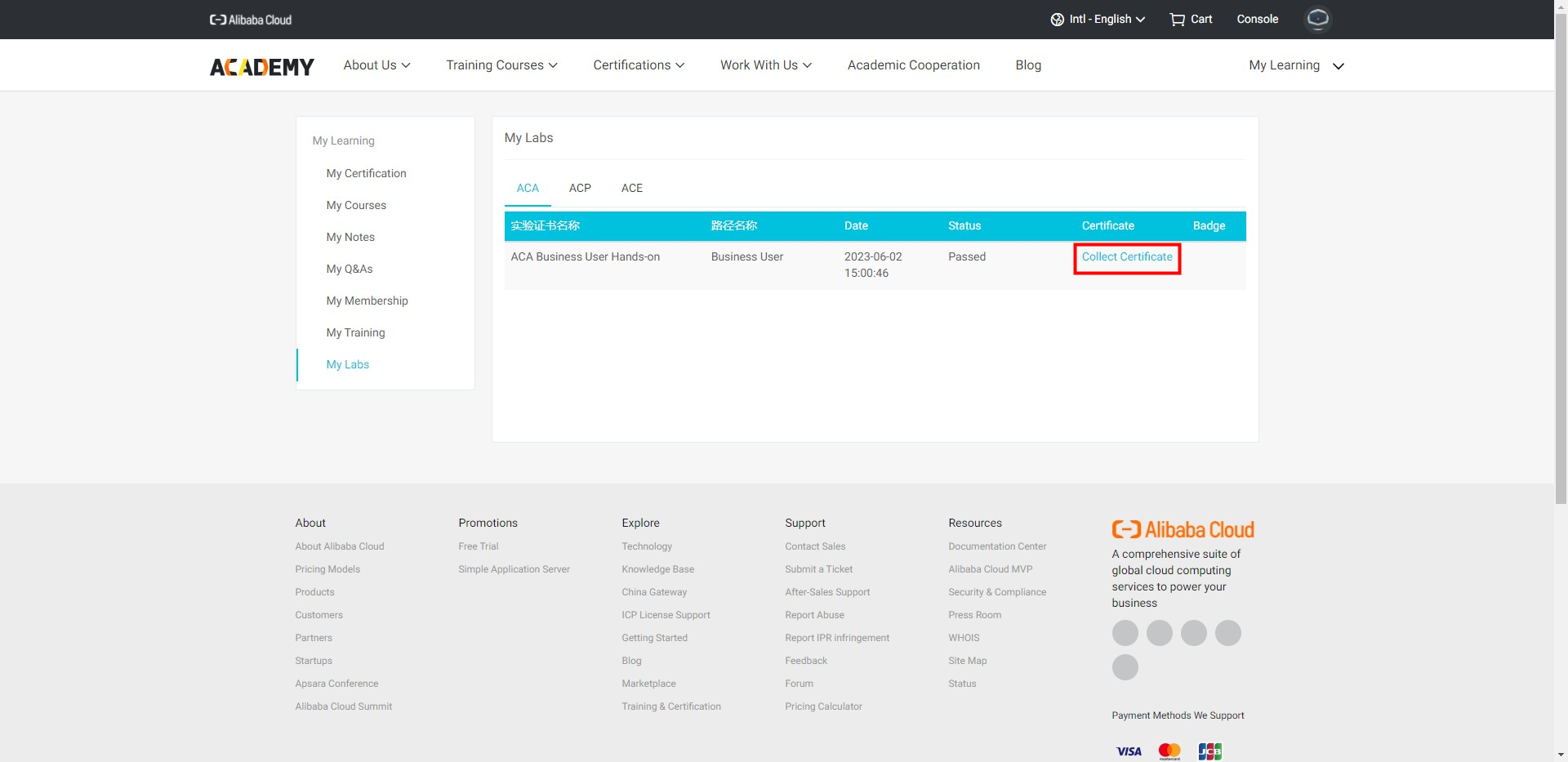
Click "Collect Certificate".
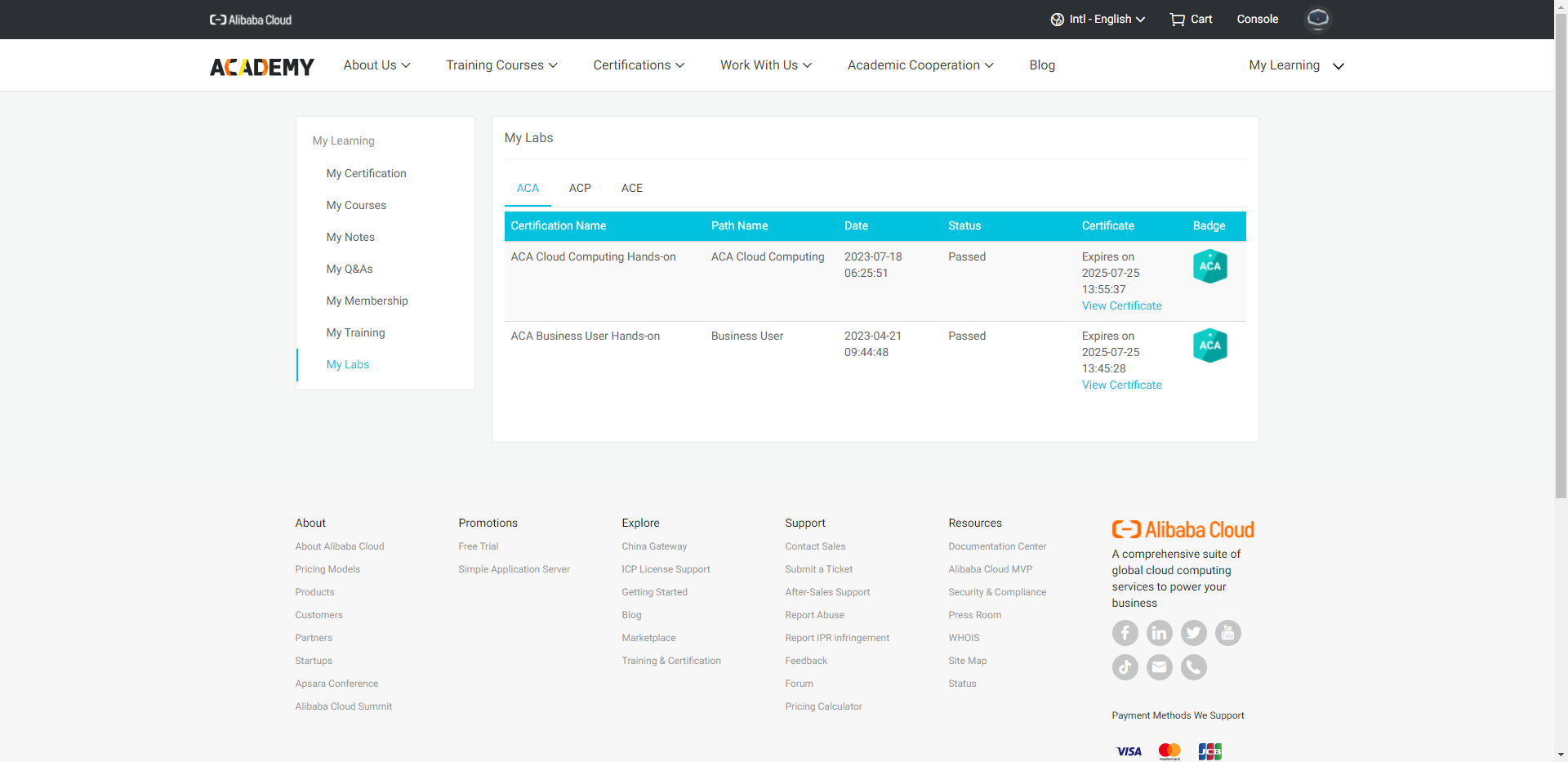
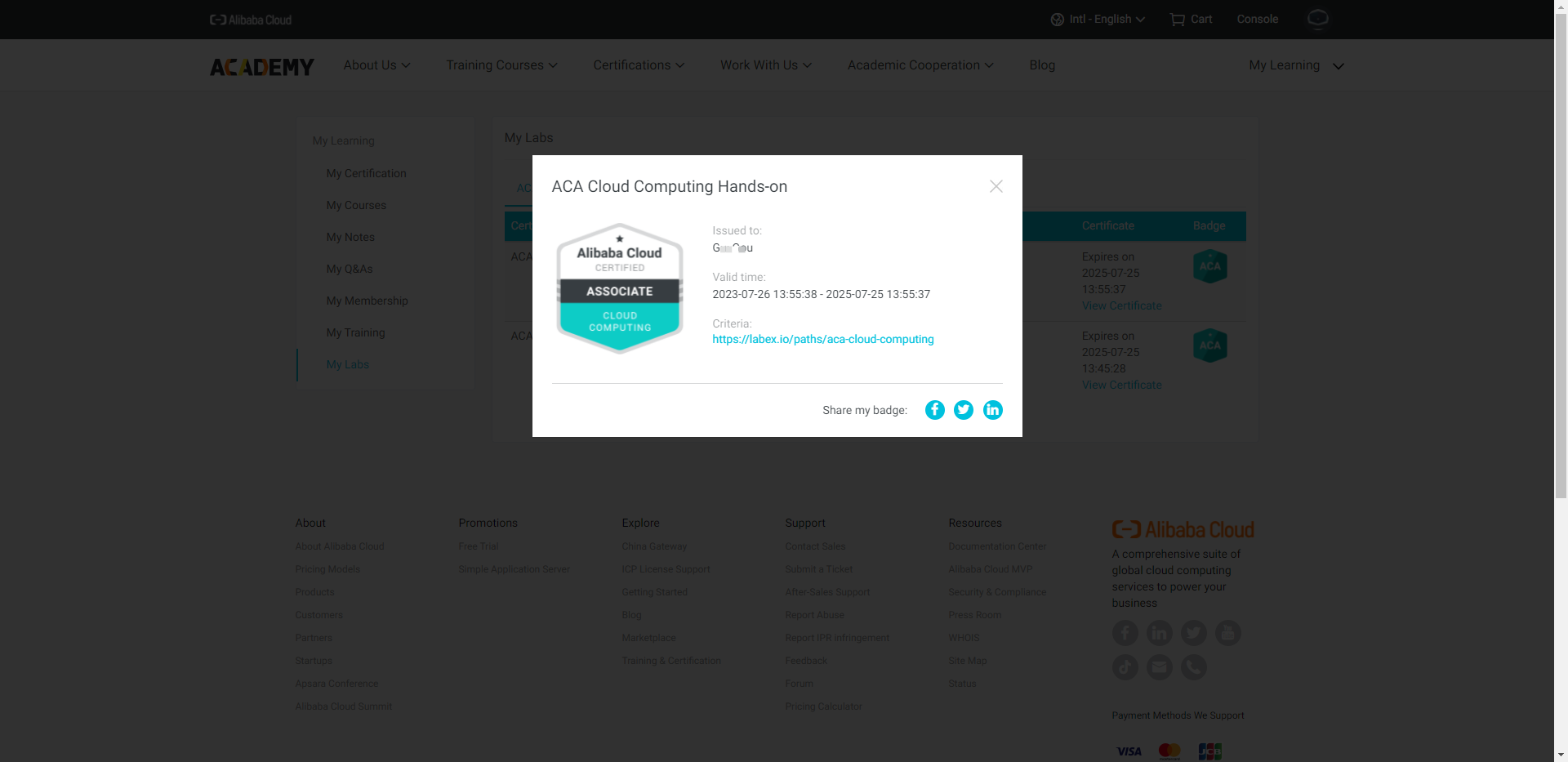
View Certificate
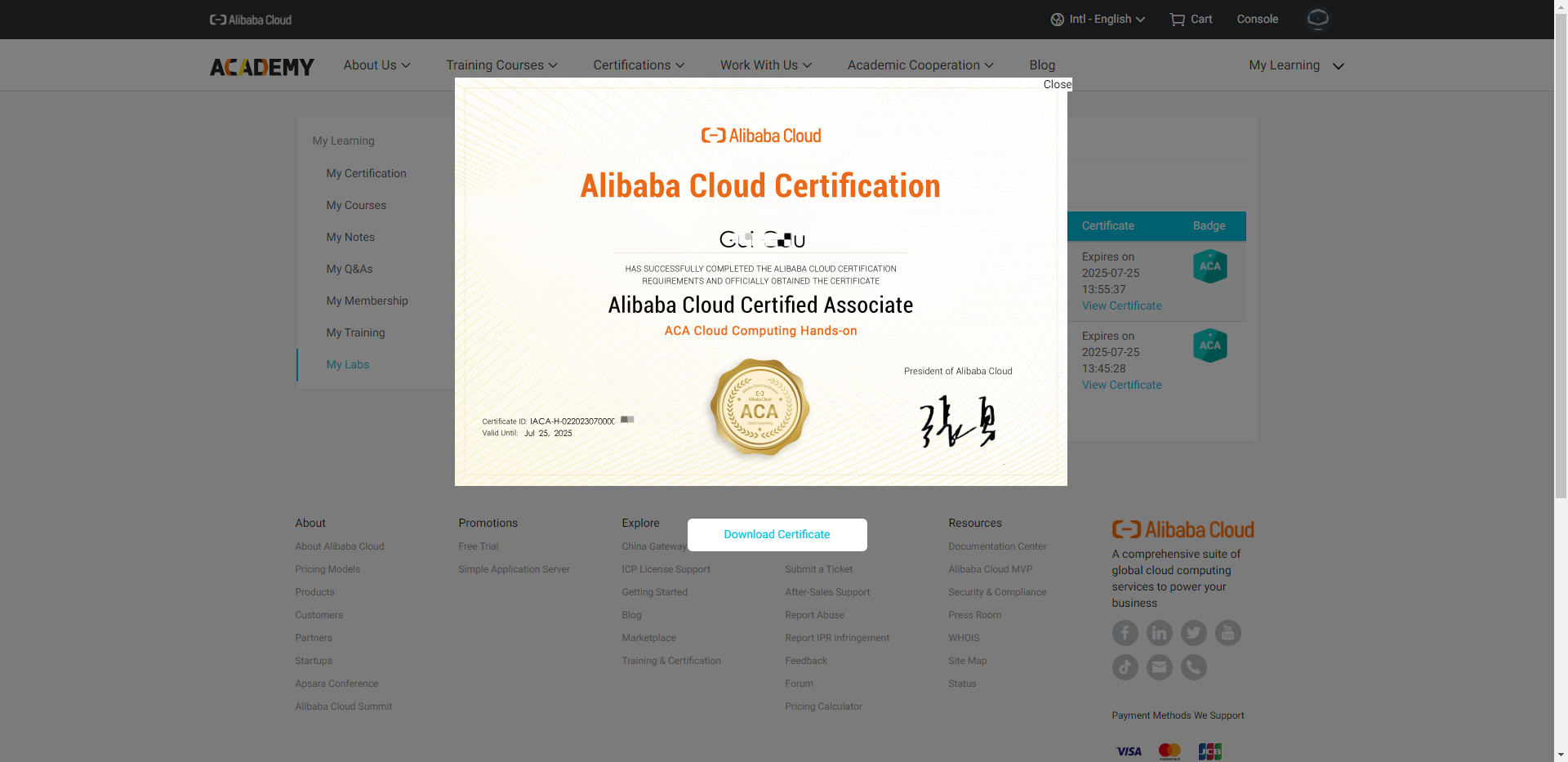
View Badge