How to Install Apps on Omarchy: Packages, AUR, and Plugins
Find the right Omarchy installation path for a desktop app, an Arch package, an AUR build, or a shell plugin—and know how to remove it later.


Practical guides, learning ideas, and product updates for people who learn by doing.
Browse postsNo posts have been published yet.
Find the right Omarchy installation path for a desktop app, an Arch package, an AUR build, or a shell plugin—and know how to remove it later.
Test a small HTTP server to distinguish its bind address from the address a client uses, then check the remaining network path.
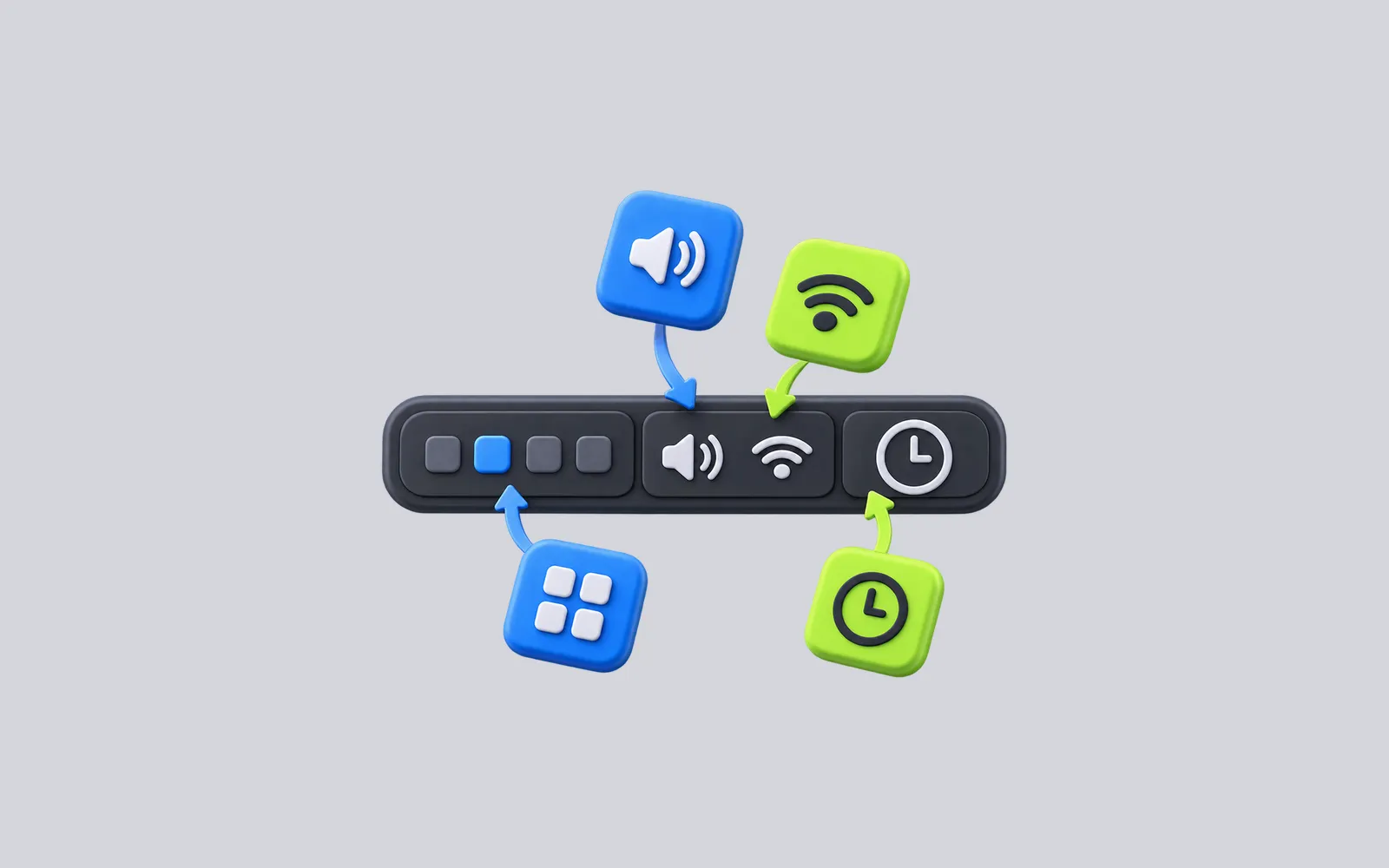
Move the Omarchy bar, rearrange its sections, enable built-in widgets, and understand what changes when your shell.json becomes the source of truth.
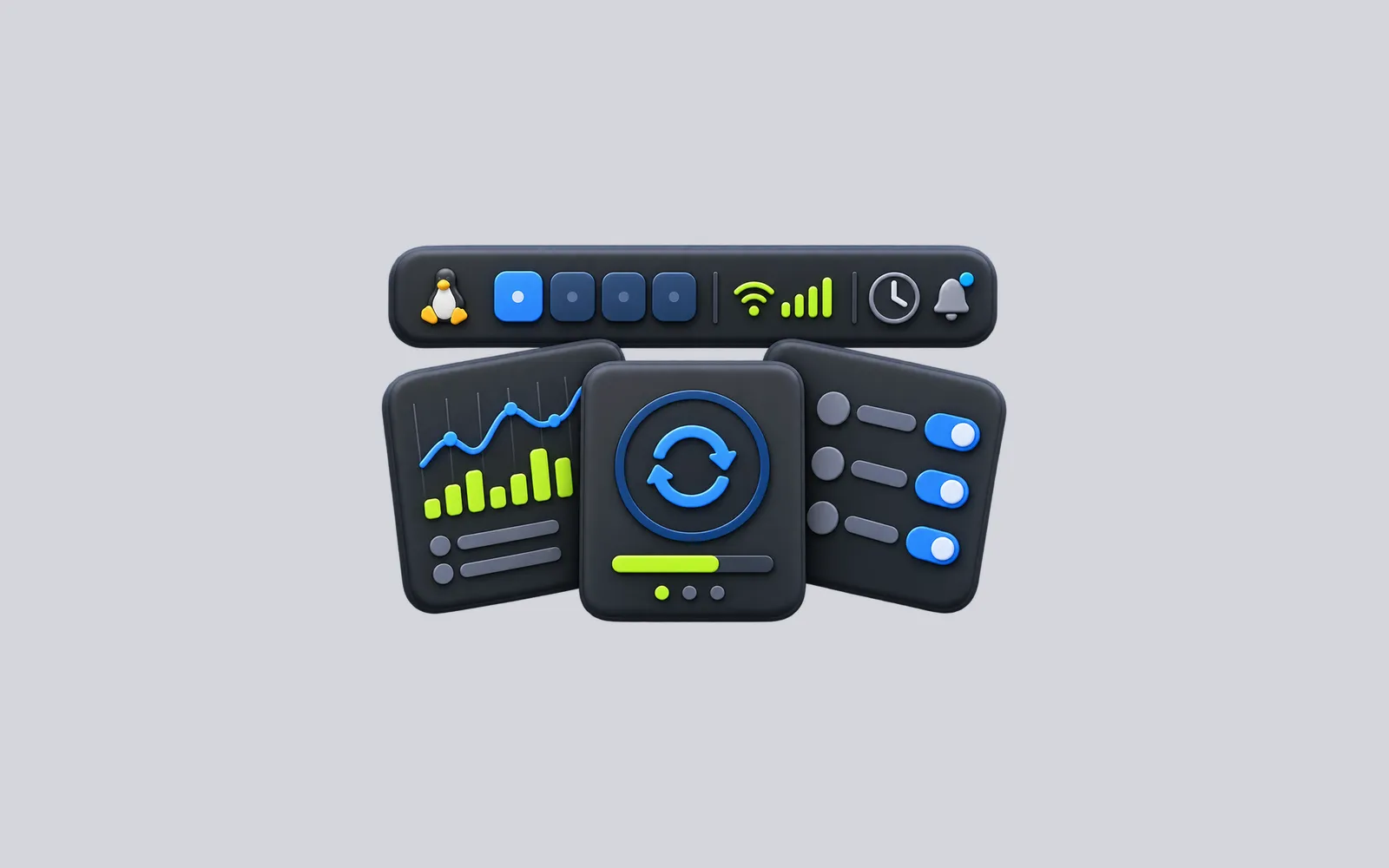
Ten Omarchy bar widgets for backups, notifications, system activity, development work, and more—with the setup requirements and limits that matter before you install them.
Distinguish monitor scaling from text size in Omarchy, choose a starting point for 1080p, 1440p, or 4K screens, and check what changes after a restart.
A practical first session in Omarchy: find the menu, open and move windows, connect to a network, update the system, install one app, and save your settings.
Choose the right Omarchy installation path before selecting a drive: full disk versus free space, Windows preparation, encryption, and what to check afterward.
A task-based guide to 20 Omarchy shortcuts for launching apps, moving between windows, controlling the desktop, and finding the rest of the keybindings.
Use Omarchy's built-in theme and background pickers, understand what a theme changes, and know when a community theme needs closer inspection.
Use Omarchy's coordinated update path, understand stable and edge channels, and know exactly what a bootable snapshot can and cannot restore.
Compare Omarchy's ready-made Hyprland desktop, installer, packages, and update workflow with a standard Arch Linux starting point so you can choose the right setup.
Run the official Omarchy trial on a Mac or Windows PC, test the keyboard-first desktop, and decide what a virtual machine can tell you before a disk install.