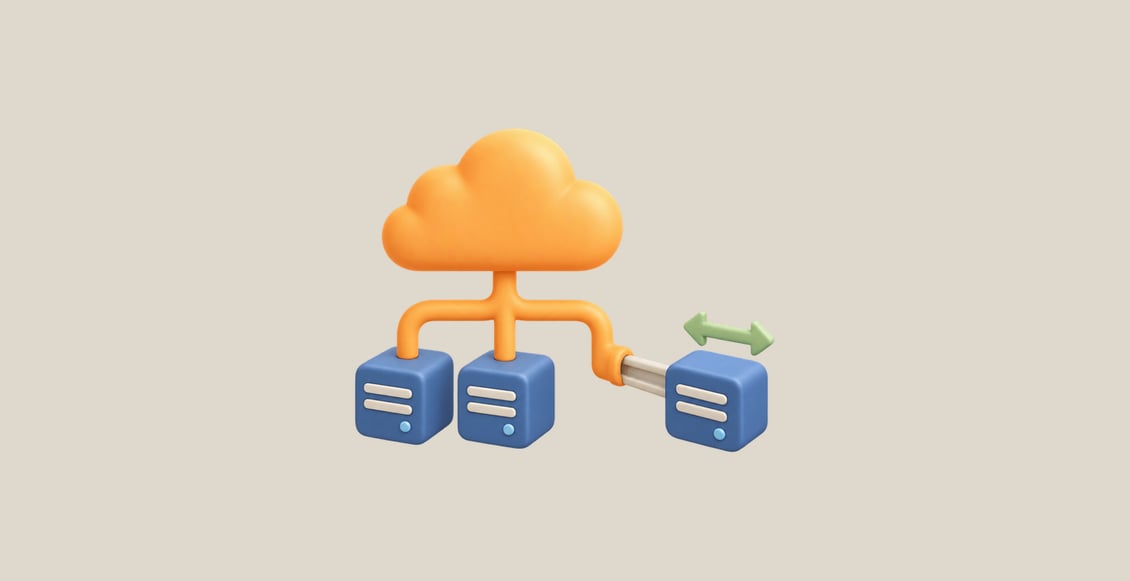
Deploy AWS Applications with Terraform connects Terraform configuration to a working application. Build a small AWS network, launch a configured EC2 workload, give it scoped access to a private report, and examine what changes when you release a new version.
Guided Labs explain and demonstrate each capability. Independent Challenges combine the work into recovery and preview-environment tasks, where a running instance alone is not enough: the application must respond, access must remain limited, and neighboring resources must survive.
What You Will Learn
- Define VPCs and subnets, connect internet routes, and restrict application traffic with security groups.
- Read a prepared AMI through a data source and initialize an EC2 application with User Data.
- Diagnose an unreachable application while preserving its instance and existing files.
- Connect IAM roles and instance profiles so the workload reads its intended private report, then test permission removal.
- Call a supplied local module, distinguish updates from replacements, and verify the new application response.
- Assemble an independent preview environment and remove only the resources it owns.
Who This Course Is For
This course is for learners who understand Terraform basics and want to apply them to a small AWS workload.
Prerequisites: Be comfortable with resource references, variables, plans, state and basic local-module calls. You should also understand AWS VPCs, subnets, routes, security groups, EC2, User Data, IAM roles and scoped S3 permissions. Complete Terraform on AWS for Beginners or bring equivalent knowledge before starting this course. Terraform for Beginners provides the underlying state and local-module foundations.
Learning environment: LabEx supplies a prepared browser-based Linux terminal and AWS environment. Application units include AWS View for observing resources and making actual workload requests. Each lab starts independently; resources from earlier VMs are not required.
Frequently Asked Questions
Do I need my own AWS account or local Terraform installation?
No. The labs provide the tools and credentials needed for their prepared environment.
Will I write an application from scratch?
No. A small report application is supplied so you can focus on infrastructure relationships, startup configuration, access and lifecycle behavior.
How do the Challenges differ from the Guided Labs?
Challenges give you outcomes and preservation boundaries to meet independently using the skills already practiced. Complete explanatory solutions are available.
Does this cover a production architecture?
The scope is one small application with its network, instance and private data access. Load balancing, databases, orchestration and production high availability are outside this course.