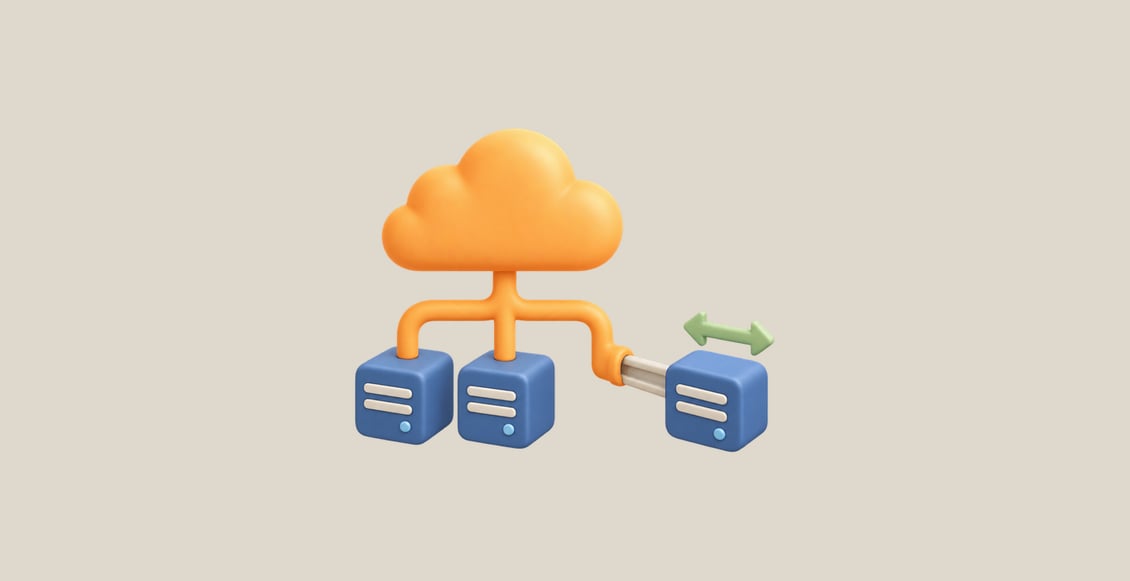
Run an application server and learn how its compute, storage and permissions work together. Use AWS CLI in Terminal and AWS View to observe actual application responses, instance states and storage resources.
Six guided labs build the skills in order:
- Launch an EC2 application server and connect through SSH.
- Automate startup configuration with User Data and inspect its output.
- Operate instance stop/start and understand public, private and Elastic IP addresses.
- Store application files on an attached EBS volume and mount its filesystem.
- Restore files from an EBS snapshot and test the recovered application data.
- Give an instance role access to one S3 object and test permission revocation.
An independent challenge brings these storage and connection skills together: recover a report after a disk mistake, preserve an unrelated file and clean up the exercise resources. Complete the guided labs before attempting the challenge.
Prerequisites: Basic AWS CLI queries, IAM permissions and VPC subnet/access concepts from the preceding beginner courses. SSH and filesystem operations are explained where they are first used.
Learning environment: Every unit starts in a fresh browser-based Linux environment. Connection tools, application fixtures and unrelated network resources are prepared. Follow each unit's resource scope, test functionality before cleanup and preserve the connection used to reach the environment.
The hands-on work can support AWS certification preparation, especially introductory compute, storage and workload-permission concepts. Use it alongside the objectives of your chosen exam; this course does not cover a complete exam syllabus.