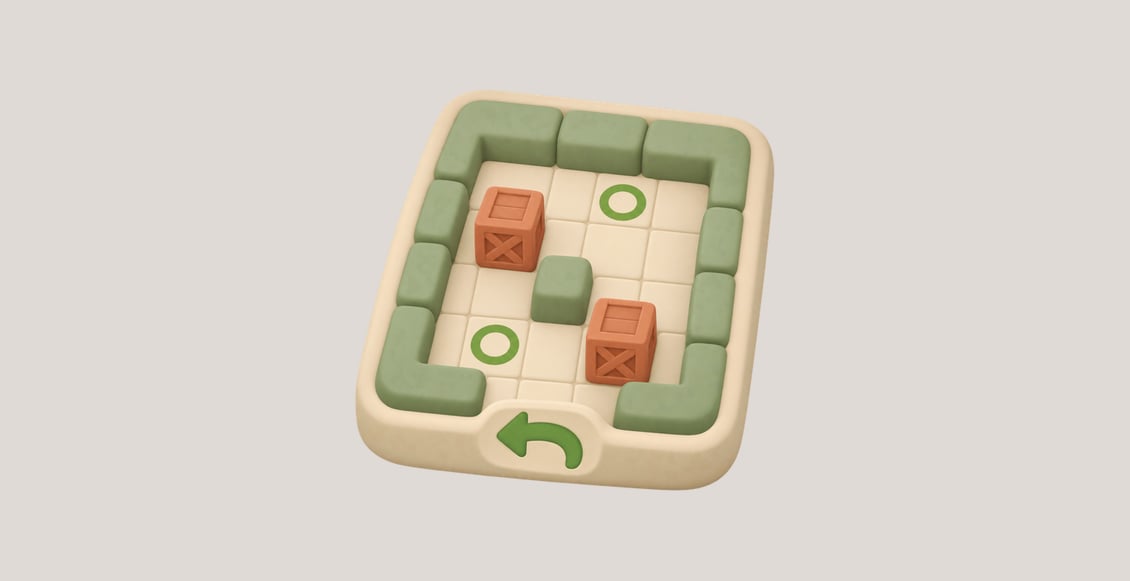
Building a Sokoban Game with Undo is a practical C++ project for learners who know the language basics. Build a playable terminal game in which a player pushes boxes onto goals, refuses impossible moves and can undo an entire previous action.
The course combines two Guided Labs with one independent Challenge. First, implement walking, single-box pushing and actual goal completion. Then save complete state values and restore them with undo. Finally, apply the same rules to a different two-box warehouse. Each lab supplies its own files; no files or running game carry over from an earlier environment.
What You Will Learn
After completing this course, you will be able to:
- separate fixed walls and goals from the changing player and box positions;
- check walking and pushing conditions before changing state, so refused actions change nothing;
- derive completion from every box occupying a goal and recalculate it after a move or undo;
- copy complete states into a
vectorhistory only for legal moves, then restore the player and every box safely; - compile and play a reusable C++ engine that supports different legal routes while preserving the original levels.
Who This Course Is For
This course is for C++ learners who want to use objects, value copies and standard containers to make an interactive program with clear rules.
Prerequisites: Basic terminal navigation and familiarity with C++ classes, functions, strings and vector. The Guided Labs explain the fixed-terrain model, move conditions, complete state snapshots and history operations used here.
Learning environment: LabEx provides a prepared browser-based Linux environment with a C++17 compiler, source framework, small levels, a working sample and Terminal. The game’s controls, messages and command output remain in English.
Frequently Asked Questions
Do I write the entire game application?
You implement the movement, completion and undo functions in engine.cpp. Level loading, text rendering and command reading are prepared. You compile your engine into a playable program; no local installation or graphics engine is needed.
Must I find the shortest solution?
No. Different legal routes are accepted. The project focuses on correct state changes and complete undo, not automatic solving or an optimal move count.
Can I undo a winning push?
Yes. Play can continue after completion, and undo restores the player and all boxes, including the state before a winning push. History belongs to the current in-memory game; starting the program again begins a new game rather than loading a saved session.