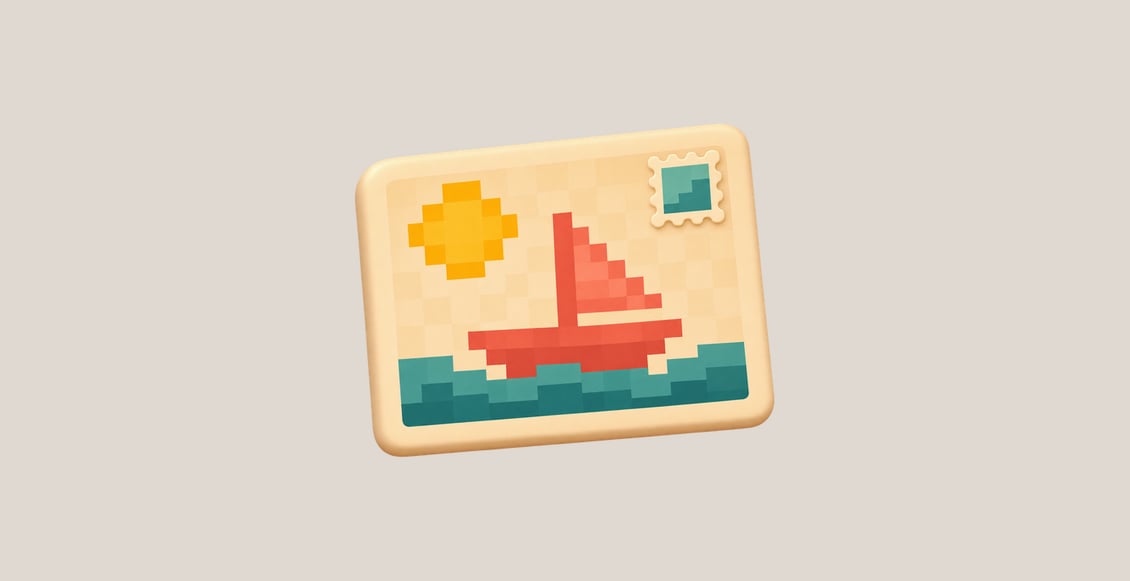
Creating Pixel Postcards in C turns familiar C arrays and loops into image files you can view and download. Start with a small color sample, then generate a rectangular postcard, turn it clockwise, and enlarge its pixels without blending the colors.
Two Guided Labs explain the format and coordinate mapping step by step. An independent Challenge gives you different artwork and dimensions, using the same methods. Every unit starts with its own prepared files.
What You Will Learn
- Map digit characters in a two-dimensional grid to RGB colors.
- Write complete P3 PPM images through standard output and shell redirection.
- Trace a clockwise turn and implement reverse coordinate mapping in C functions.
- Enlarge pixels with integer division and handle the supplied option interface.
- Decode, preview and download real outputs while preserving the original artwork.
Who This Course Is For
This course is for learners who know C variables, conditions, loops, arrays and functions and want a small visual project. C Programming for Beginners is a suitable starting point.
Prerequisites: Basic terminal navigation and compiling simple C programs. Two-dimensional indexing, P3 output and the required shell syntax are explained here. Pointers, dynamic memory and general image parsing are not prerequisites.
Learning environment: A prepared browser-based Linux workspace includes a C compiler, source files and an image preview. You do not need to install local software.
Frequently Asked Questions
Will I create real image files?
Yes. Your program writes P3 PPM files containing actual RGB pixel values. The preview reads those files and offers the same bytes for download; it does not generate missing artwork.
Do I need a graphics library?
No. The project uses small supplied patterns, C loops and formatted output. The prepared viewer handles display.
What changes in the Challenge?
The pattern, palette, dimensions and required enlargement change. You apply the coordinate methods already taught and keep the new supplied artwork intact.