

Linux Journey, Rebuilt for Interactive Learning
Linux Journey now combines a redesigned course interface with step-by-step lessons, contextual questions, immediate feedback, and progress tracking.

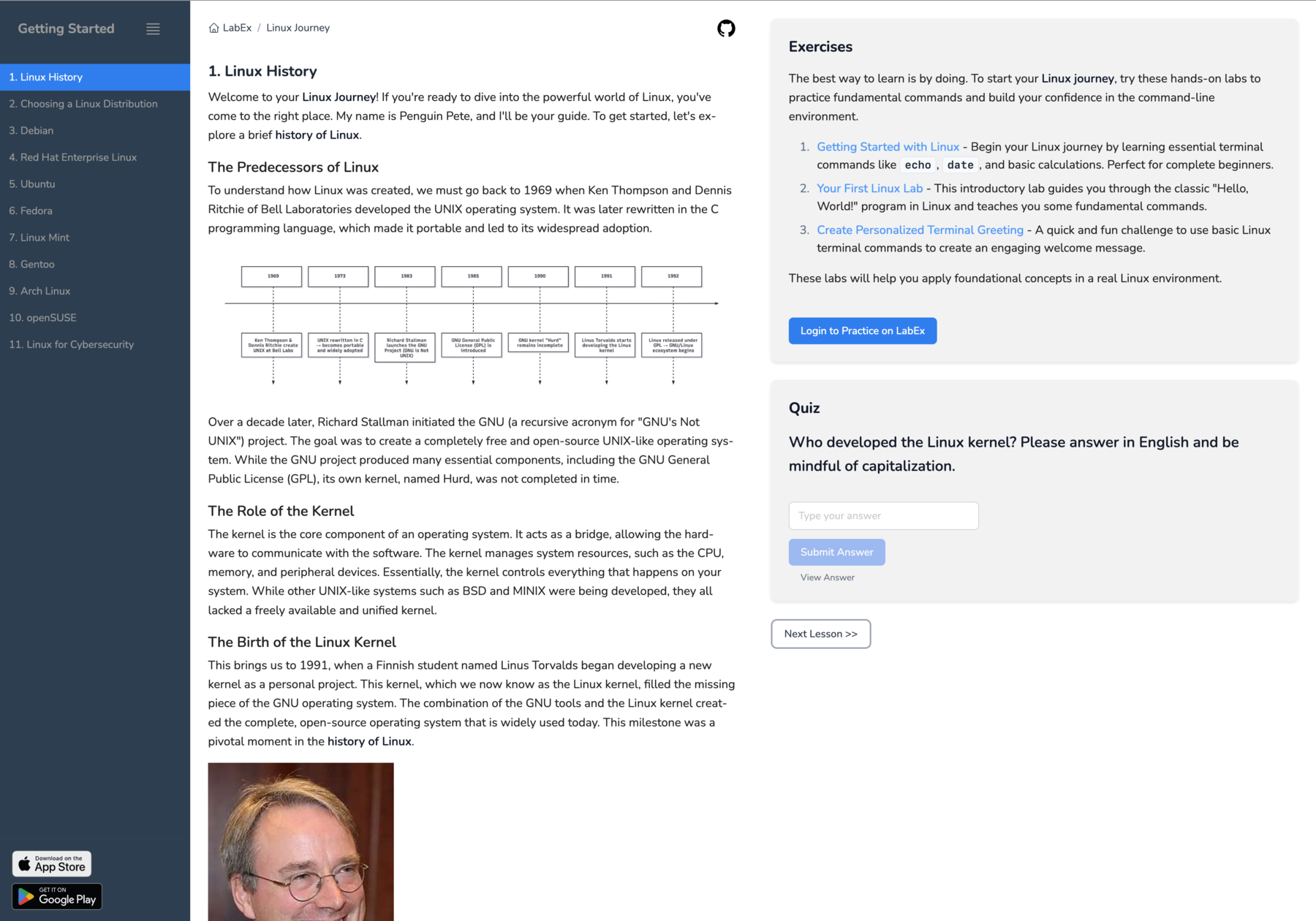
The old Linux History page put almost everything on one screen: the lesson list on the left, the complete article in the middle, and exercises plus a quiz on the right. The material was available, but the learner had to decide how to move through it, where to pause, and whether one answer at the end was enough to check their understanding.
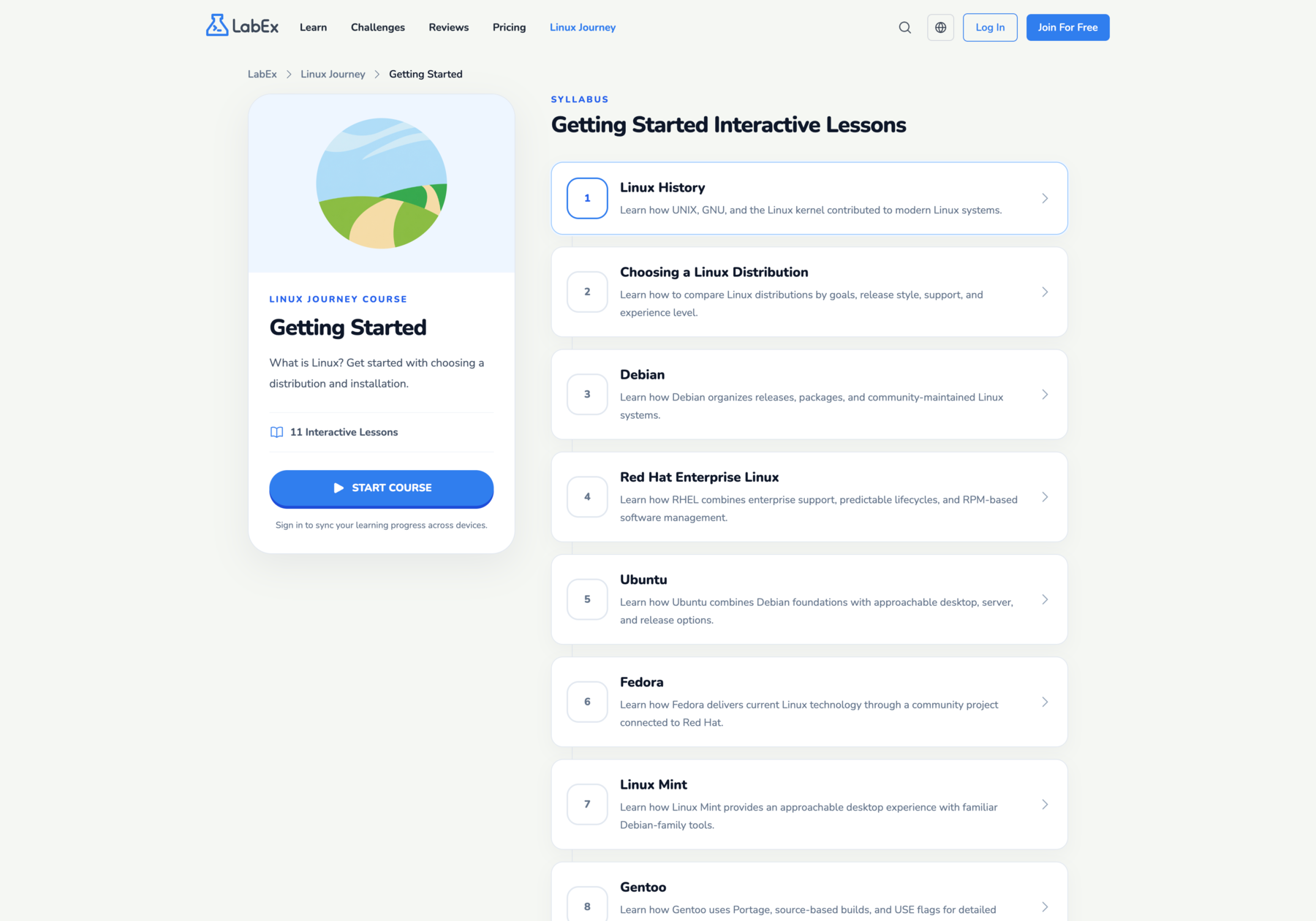
The new Linux Journey starts one level earlier. A course page now shows the sequence of lessons, a short outcome for each lesson, and one place to start or resume the course.
That visual redesign supports a more important change: Linux Journey is no longer organized only as a collection of pages to read. Each lesson now runs as a small learning sequence built around explanation, a decision, feedback, and continuation.
From a Syllabus to Learning Mode
The redesigned Getting Started course presents its 11 lessons as an ordered path. Each entry names the lesson and states what it covers, so a learner can see how Linux History leads into distribution choices and individual distribution guides before opening the first page.
Selecting Start Course opens the lesson in learning mode. Instead of displaying the entire page at once, the player begins with the first meaningful block and reveals the lesson step by step. A progress bar shows how far the learner has moved through the current lesson, while the Continue button provides a clear next action.
Course and lesson progress can be saved for signed-in learners. Signing in is not required to study the lessons; it is used to keep completion state available across devices.
Questions Become Part of the Explanation
The previous Linux History quiz asked one recall question after the article: who developed the Linux kernel? In the revised lesson, checks appear immediately after the ideas they depend on.
After the lesson explains that rewriting UNIX in C made it portable, for example, the learner chooses among three possible consequences. Selecting an option produces feedback for that specific choice. An incorrect answer explains the mismatch with the preceding material; the correct answer reinforces the portability principle. The lesson continues only after the learner identifies the correct answer.
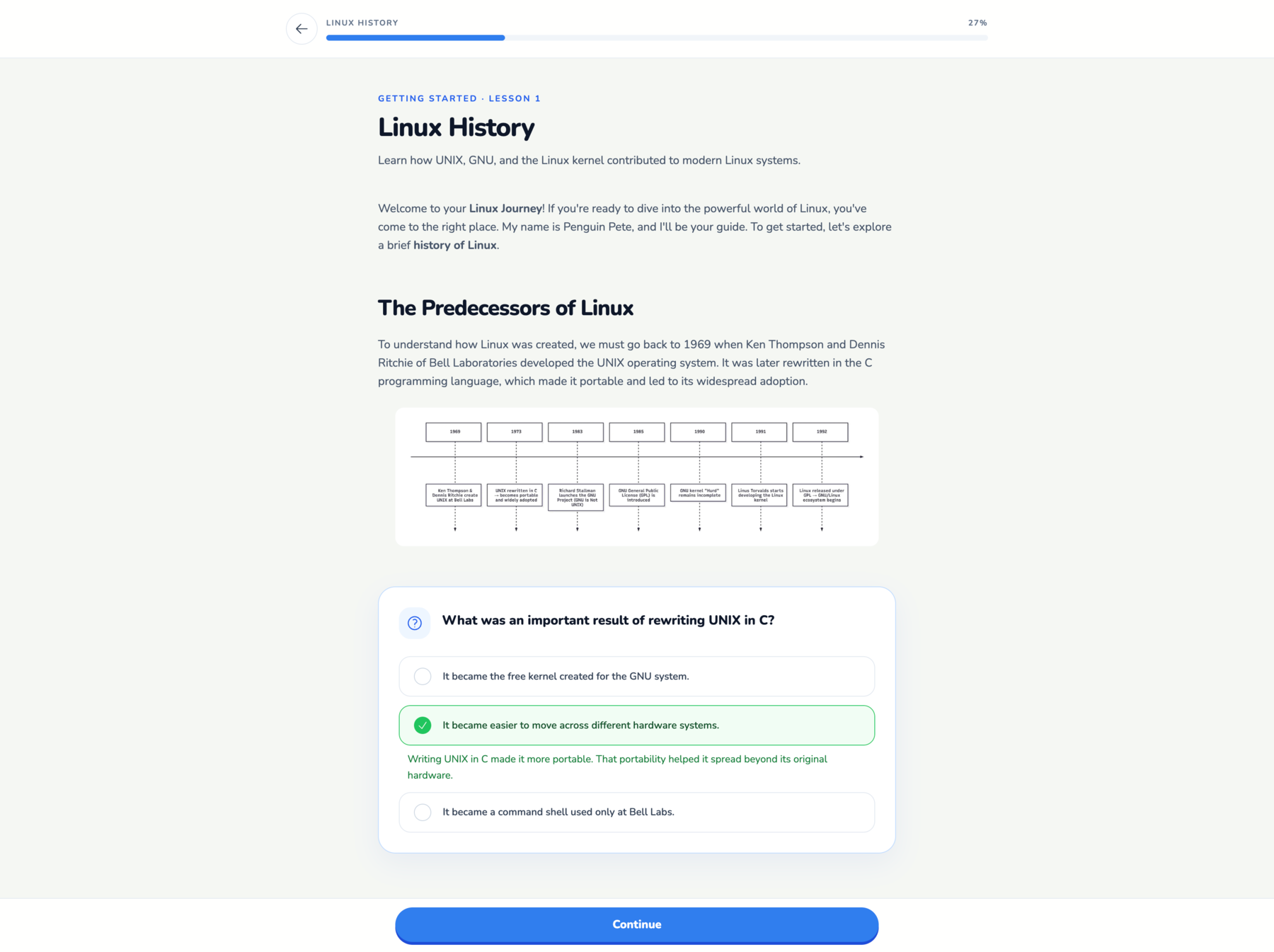
These questions are comprehension checks, not claims that a learner has mastered Linux administration. Their job is narrower: interrupt passive scrolling at a useful moment and make the learner apply the explanation that just appeared.
The same player also provides a completion view with the lesson outcomes, a link to the next lesson, and a way to learn the lesson again. This turns the lesson boundary into part of the course flow instead of leaving navigation in a separate sidebar.
The Content Was Revised for the New Flow
The interface could not create this experience by itself. The Linux Journey lessons were also migrated to a structure that the player can divide into meaningful steps.
The revision preserved explanations, examples, images, and practice links when they were still accurate. It removed the old standalone exercise and quiz containers, moved useful material next to the topic it supports, and converted worthwhile questions into contextual single-choice checks. Each lesson now ends with a short summary of what the learner can explain or do.
Across the current lesson collection, every lesson in all nine supported languages contains four or five of these checks. Each option includes feedback, and each question must be answerable from material taught earlier in the lesson. The structure is designed to test the current idea without requiring unstated Linux knowledge.
The result is not a wholesale replacement of the original Linux Journey material. It is a new delivery structure for that material, with targeted revisions where a transition, explanation, or question needed to support the interactive sequence.
Still Free, Still Open
The redesigned Linux Journey remains free to use, with no payment or account required to read the lessons. Creating a free account is optional and enables saved learning progress.
The lesson content also remains open source in the official Linux Journey repository. It is published under the CC BY-SA 4.0 license, and the repository continues to accept community contributions to lessons and translations.
You can start with Getting Started, or inspect and improve the source material on GitHub.